

You’re using the free version of ChatGPT. Upgrade for advanced models, better memory, and higher-quality image creation.
Try Plus free
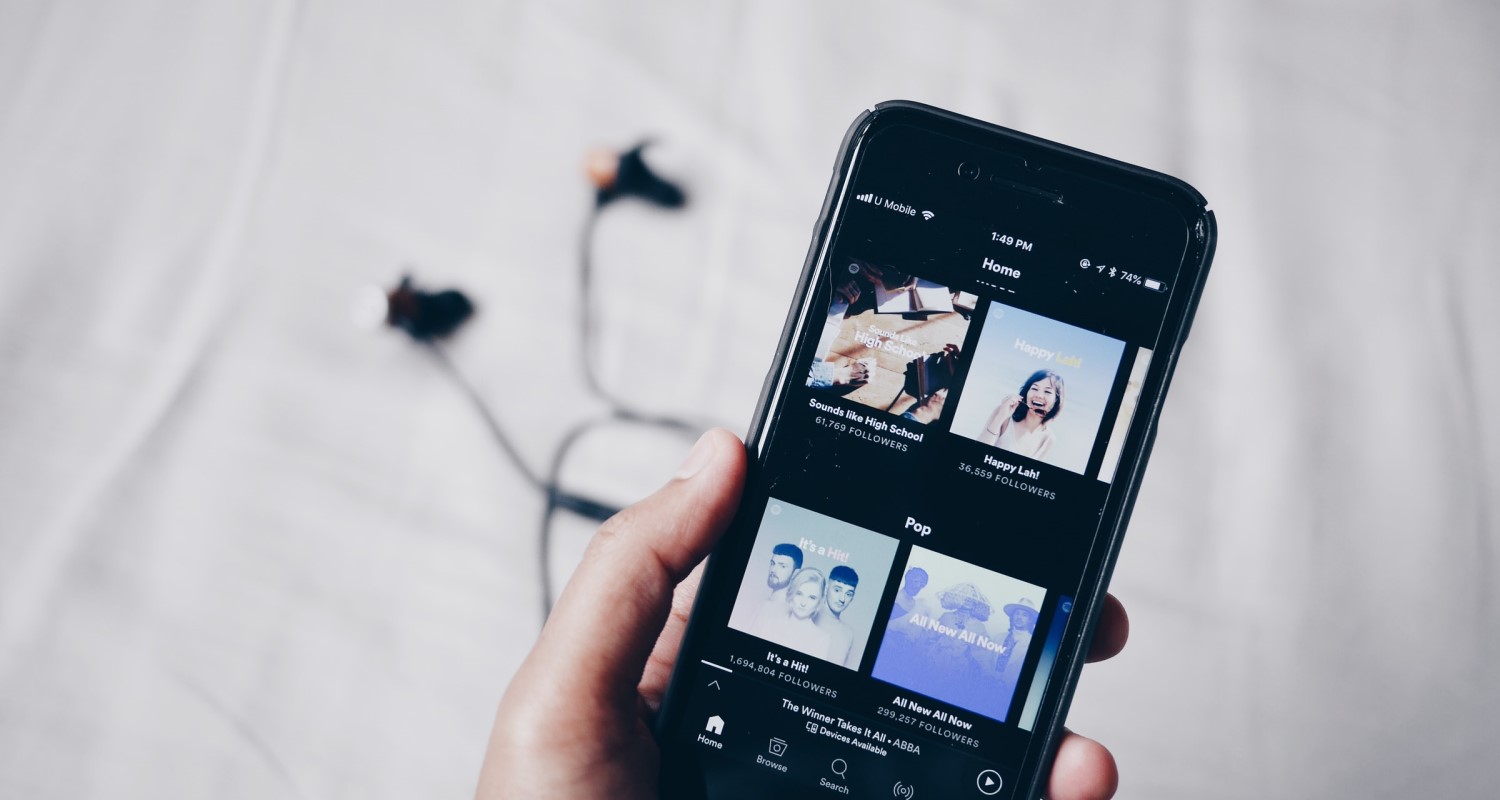
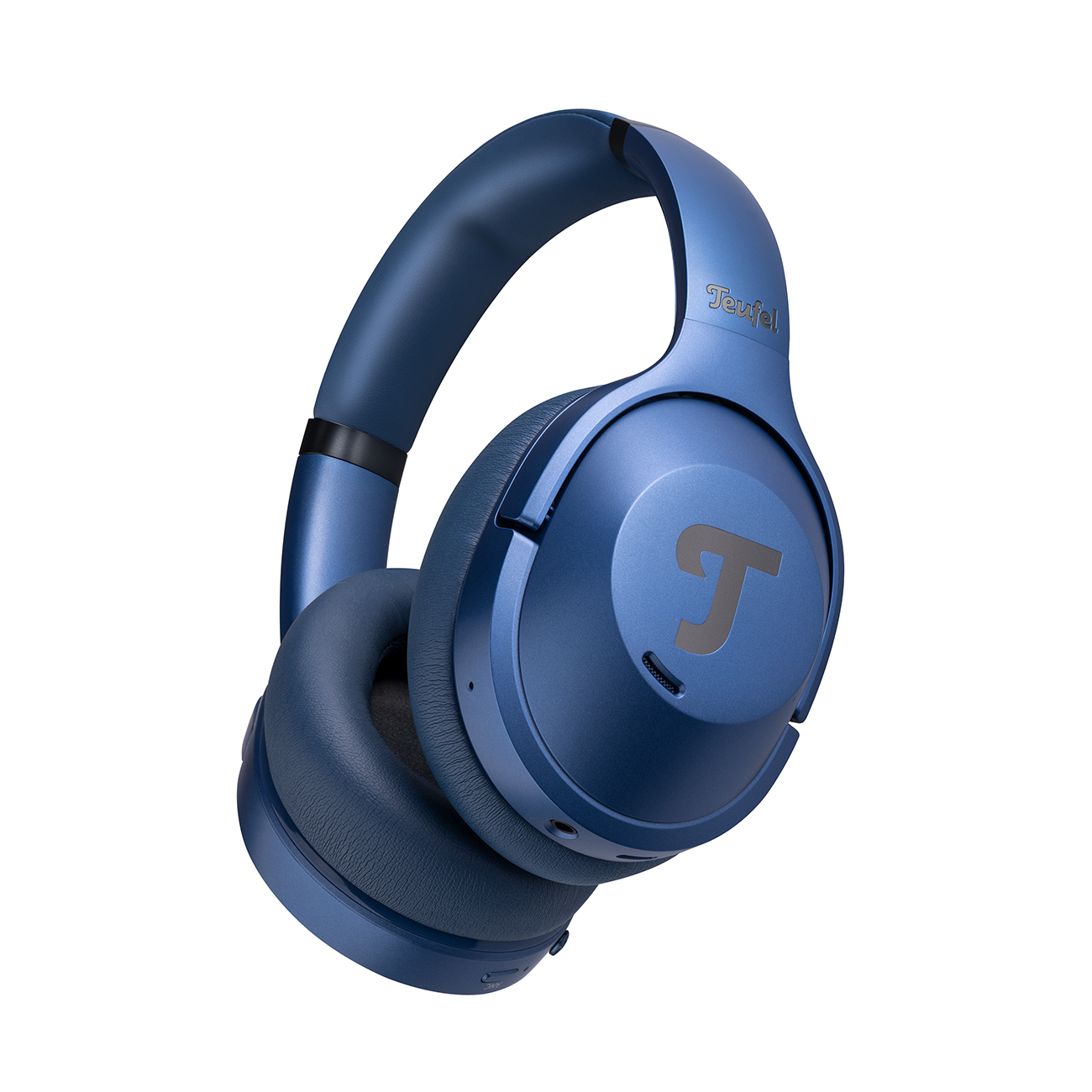
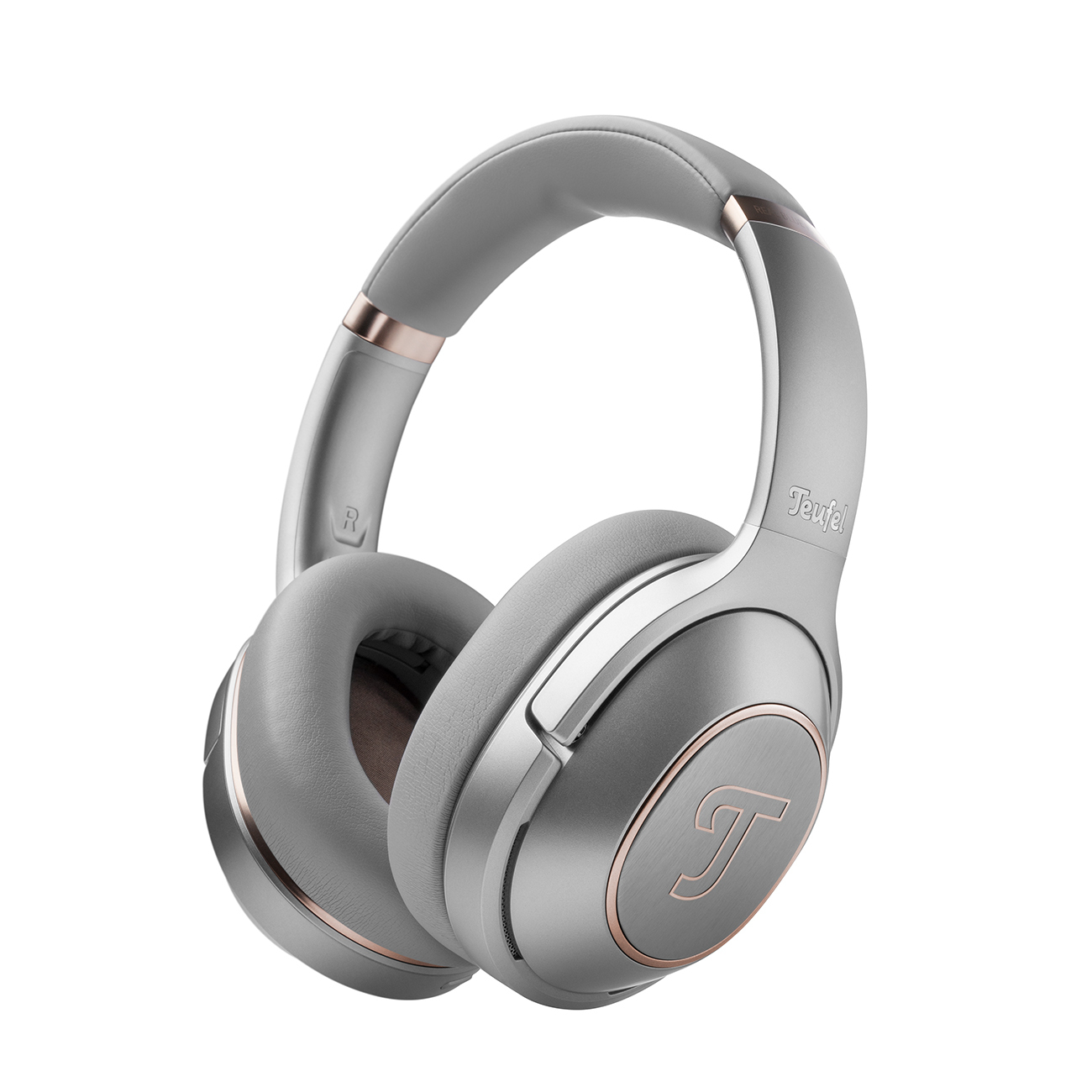
One of the best things about listening to music on your smartphone is that you can enjoy it anywhere with a pair of headphones. But that doesn’t mean you have to compromise on sound quality. If you own Teufel SUPREME ON, REAL BLUE NC 3 or AIRY TWS 2 headphones, the Teufel Go app [Download: App StoreOpens in new tab, Google PlayOpens in new tab] lets you adjust the equalizer and access other settings. But what if you want to tweak your headphone settings directly on your phone, without using the app? Here are our tips for getting better sound from your smartphone.
Better Sound Starts with the Right Software
The basic rule is simple: just like speakers, headphones can only reproduce the sound they receive from the source device. To get the best possible audio from your smartphone, you need more than good hardware and the right audio formatOpens in new tab – the software matters too.
When listening to music on your phone, you’ll typically use either a music player app or a streaming service. Most offer sound settings of varying complexity, usually including an equalizer. Your smartphone’s operating system may also provide a few basic audio options of its own.
Further reading: You can also find out how to set up an equalizer in our blogOpens in new tab.
Audio Settings on Android and iOS
On Android, you can improve your audio using the Sound Amplifier feature. You’ll find it under Accessibility in your phone’s settings, or you can download it from the Play StoreOpens in new tab if it isn’t already available.
Sound Amplifier is designed to make sounds such as conversations easier to hear through your headphones while reducing background noise. You can fine-tune the settings using sliders. For music, however, Sound Amplifier isn’t the best option. Android also has a built-in equalizer that lets you choose a sound profile or adjust the settings manually. The downside? It offers only a handful of basic options and isn’t available on every Android device.
Apple also lets you fine-tune the sound on your iPhone when using certain headphone models. To get started, open Accessibility in your settings, select Audio/Visual, and enable Headphone Accommodations.
You can tailor the sound for either phone calls or media, including music, videos and podcastsOpens in new tab. Your iPhone can then guide you through a series of audio tests to find the right settings, or you can adjust the sound manually. For step-by-step instructions, visit Apple SupportOpens in new tab. iOS also has a basic built-in equalizer. Go to Settings, select Music, then EQ to choose from a range of preset sound profiles. If you want to fine-tune the sound yourself, though, you’ll need a separate app.
Improving Sound in Your Music Player App
If you mainly use your smartphone and headphones to listen to music, your choice of music player app can make a real difference to the sound. Depending on the app, you’ll have access to various audio settings that let you fine-tune the listening experience to your liking. Any decent music player should offer an equalizer alongside other basic controls, such as enabling or disabling preamp gain, choosing playback effects, and adjusting the bass and treble.
Headphones make it easier to pick up on subtle details in your music, even when listening on a smartphone. Since the sound reaches your ears directly rather than spreading throughout a room, even small changes to the equalizer can make a noticeable difference. A good starting point is to experiment with the preset sound profiles available in many music apps, often tailored to different genres. Pop and hip-hop presets tend to emphasize the bass, while jazz usually aims for a more balanced sound. Rock profiles often reduce the midrange, whereas classical music presets tend to bring out the treble. Try a few options to find the sound that best suits your listening preferences.
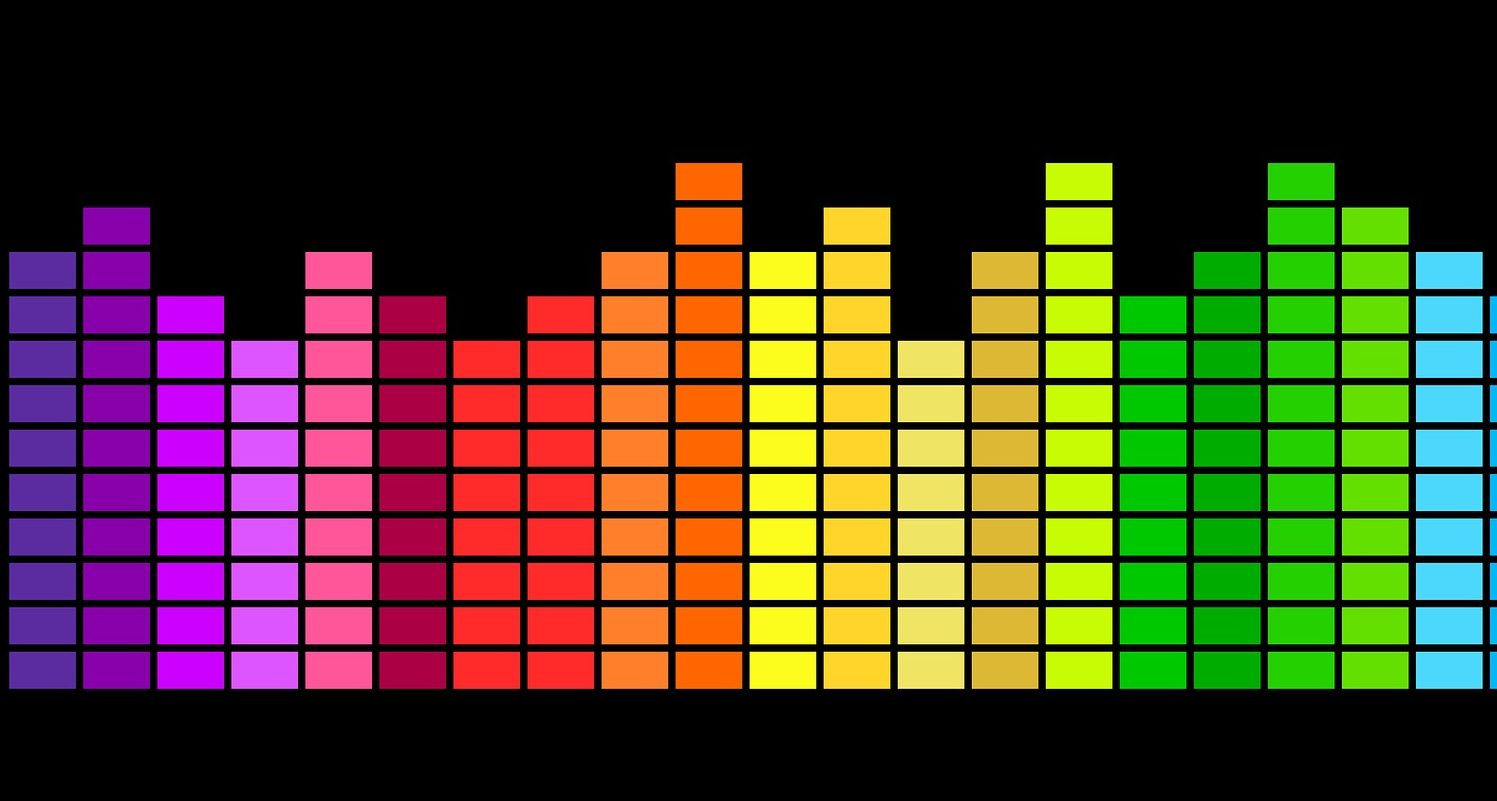
You can also fine-tune the sound yourself by moving the sliders for individual frequency bands up or down. The more bands an equalizer has, however, the trickier it can be to achieve a balanced sound. These controls cover the range of human hearing, roughly 20 to 20,000 Hz. The higher you set a slider, the more that frequency range is boosted, measured in decibels (dB).
Other options may include:
- Bass boost
- Left/right stereo balance
- Reverb effects
- Virtual surround sound
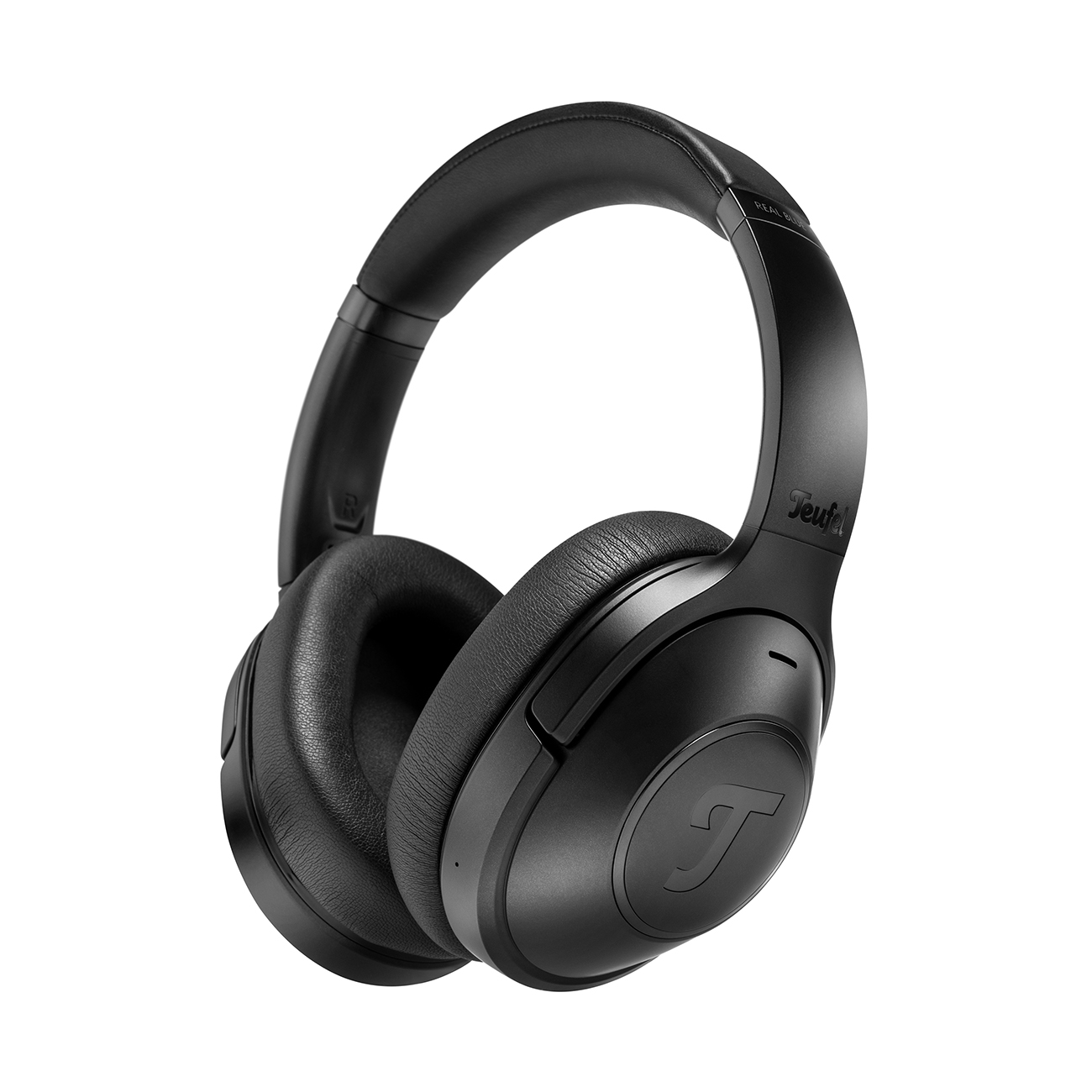
Teufel Bluetooth Headphones
Audio Settings in Music Streaming Apps
Music streaming services such as Spotify, DeezerOpens in new tab and Amazon MusicOpens in new tab also offer ways to improve how your headphones sound when connected to your smartphone. One of the most important factors is audio quality. On Spotify, for example, you can find the relevant options under “Audio Quality” in the settings, where you can choose between different quality levels. At the time this article was originally written (October 2021), the highest tier available to subscribers offered a bitrate of 320 kbit/s. For higher-resolution audio, you’d need to switch to a service such as TIDAL or Qobuz, or wait for Spotify HiFi, which had yet to announce a launch date at the time. Deezer HiFi, offering FLAC audioOpens in new tab, was already available.
Some streaming platforms, including Spotify and Deezer, also have a built-in equalizer. In Deezer, for example, you can enable it in the audio settings and choose from a handful of sound presets or create your own. As with Spotify’s equalizer, though, the options for customizing the sound are fairly limited.
Improve Your Sound with an Equalizer App
Not satisfied with the sound settings in your music player or streaming app? A dedicated equalizer app gives you more control over how your music sounds through your smartphone and headphones. There are plenty to choose from for both Android and iOS, but the best option depends on your needs. If you open an app and immediately feel overwhelmed by all the controls, a simpler alternative might be a better fit. On the other hand, if you enjoy experimenting with sound, even on your phone, try out a few different apps until you find one that suits your preferences.
Equalizer apps typically offer a wider range of sound profiles, from presets for different music genres to spatial audio effects. Whether these actually sound good is a matter of personal preference, so it’s worth experimenting with different settings and, if possible, trying them with different headphone models. Once you’ve found a sound you like, you can save your custom settings for later. Just keep in mind that some apps reserve this feature for their paid premium versions.
Improve Your Sound with Teufel Headphones
 Opens in new tab
▶ REAL BLUE PROOpens in new tab: Enjoy detailed, balanced sound with deep, precise bass, crisp highs and 44 mm Linear HD drivers. Digital hybrid Active Noise Cancelling (ANC) with three adjustable levels helps block out distractions, while transparency mode lets you hear your surroundings when needed.
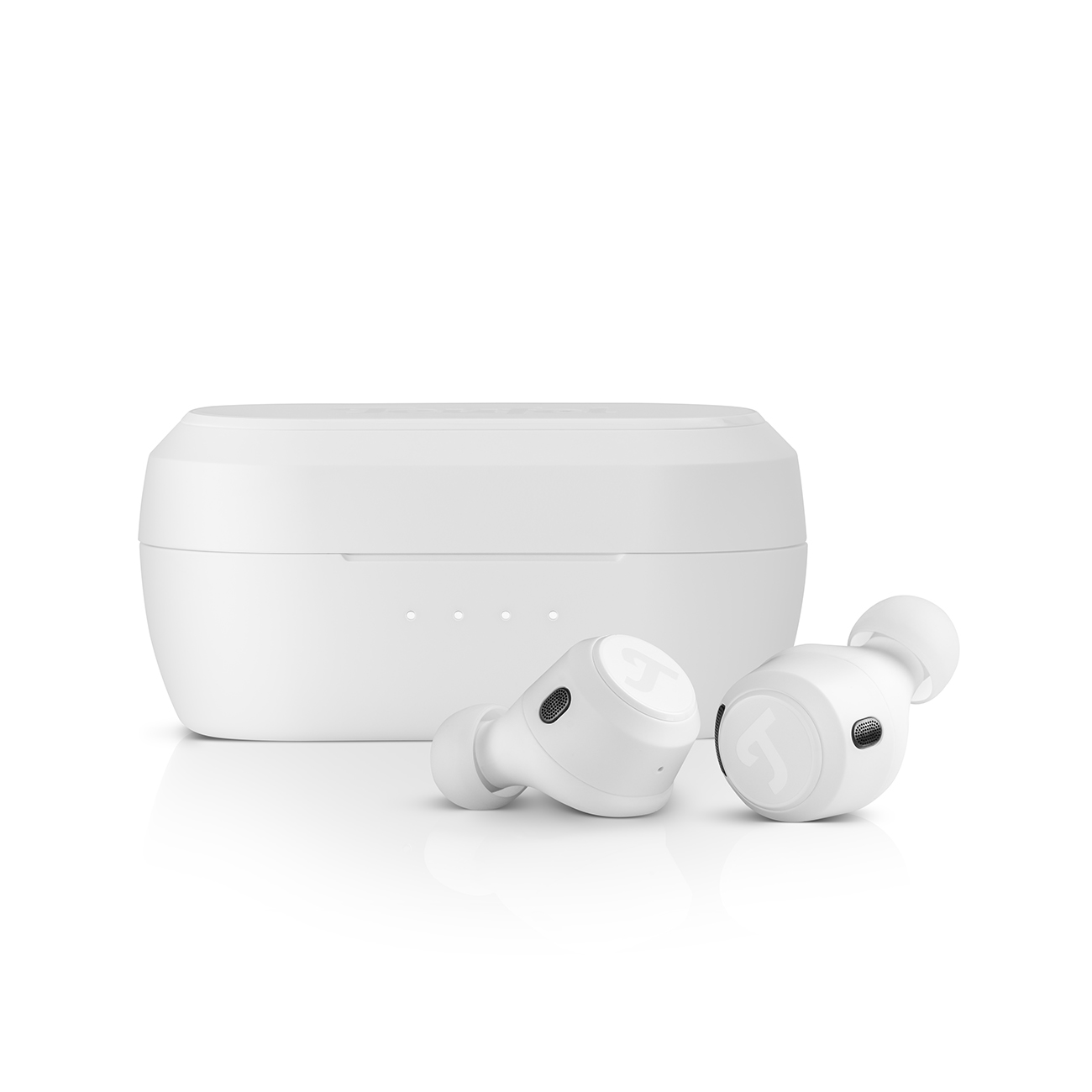
▶ REAL BLUE TWS 3Opens in new tab: These true wireless in-ear headphones feature ANC and a transparency mode that lets in outside sounds when needed. Their discreet design keeps them subtle in appearance, but not in sound – the 12 mm Linear HD drivers deliver an impressive listening experience.
▶ AIRY TWS PROOpens in new tab: Great sound isn’t about size, but the technology inside. These in-ear headphones feature high-performance Linear HD drivers that deliver deep bass, crisp highs and warm mids. Active Noise CancellingOpens in new tab (ANC) helps block out unwanted background noise so you can focus on your music.
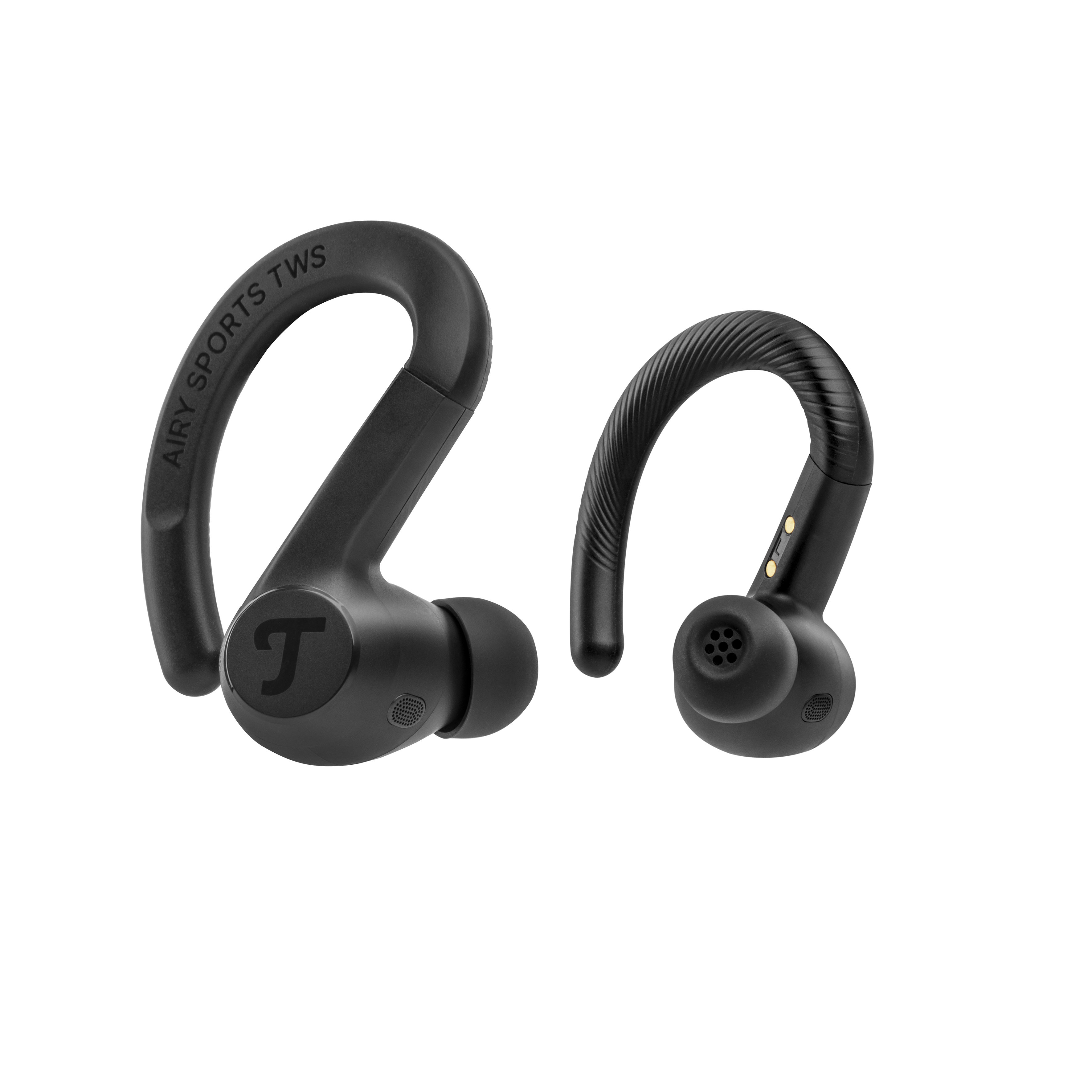
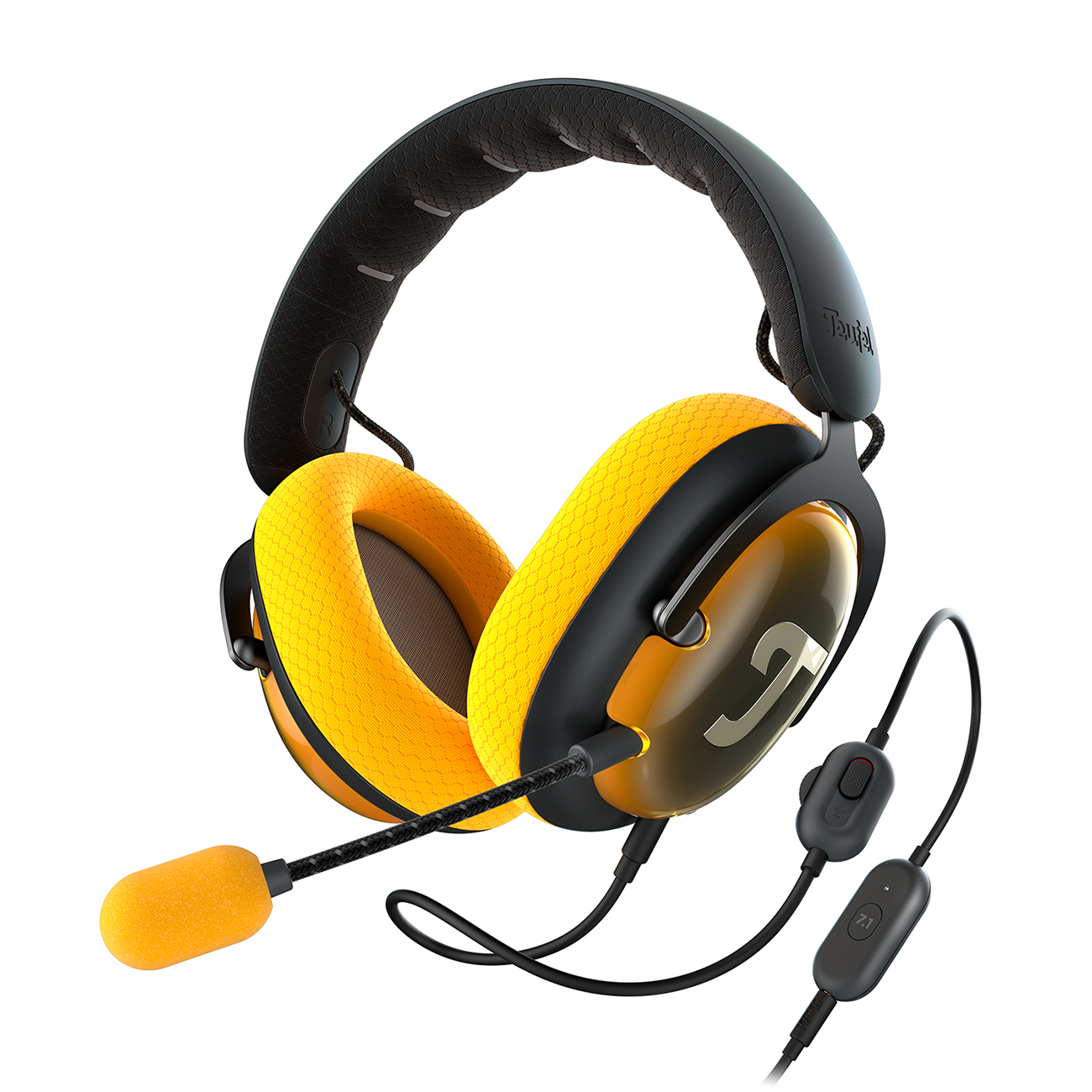
More Headphones from Teufel
Conclusion: Better Sound from Your Headphones
- There are several ways to get better sound from your phone, whether by tweaking the settings in your music player, adjusting the audio options in your streaming service or using a dedicated equaliser app.
- Both Android devices (depending on the version and manufacturer) and iPhones offer basic audio and headphone settings you can adjust.
- For the greatest control over your listening experience, a dedicated equaliser app is your best bet.

Leave a Reply