
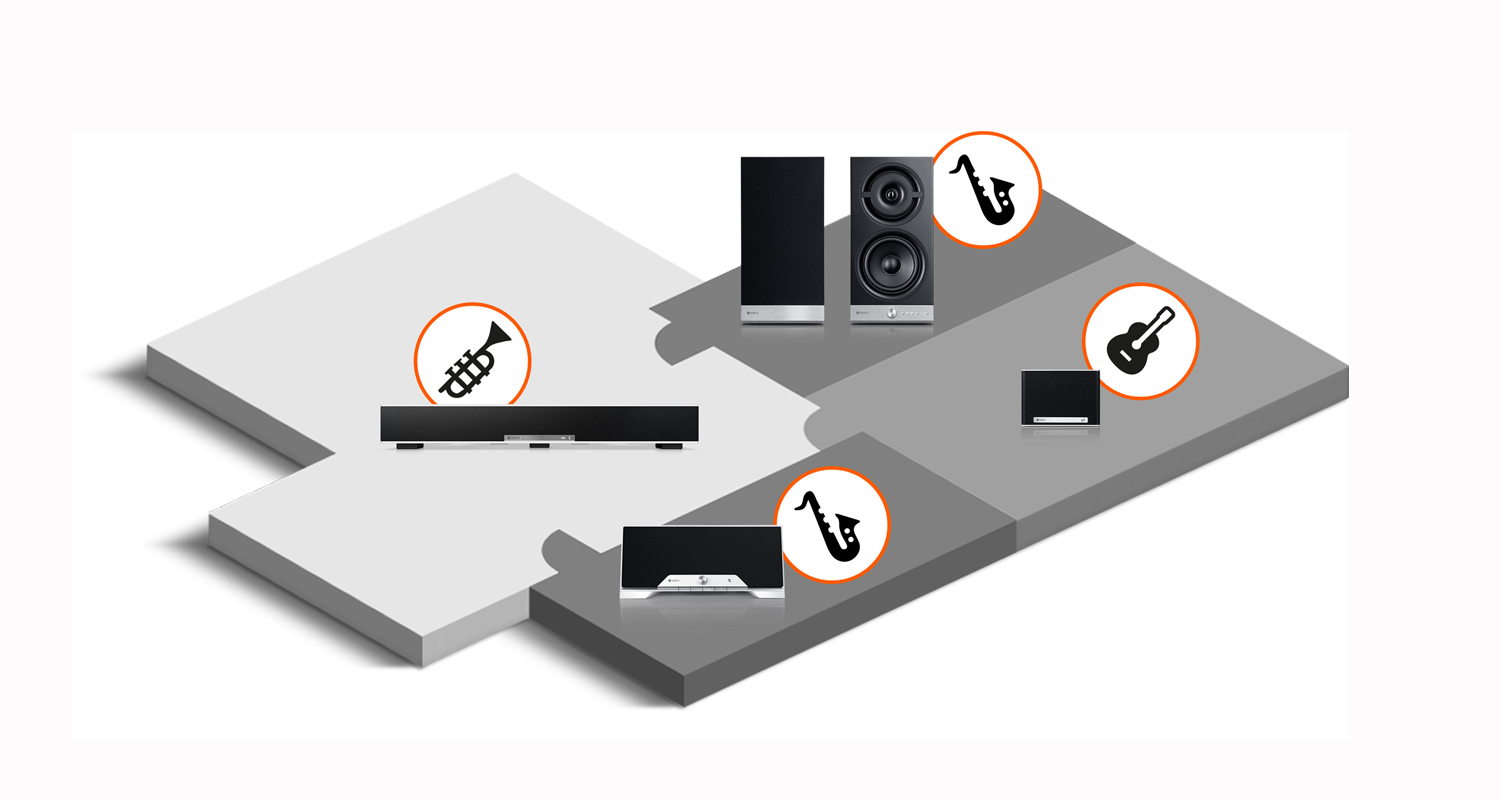

Why build a multiroom system in the first place? The answer becomes clear when you look at the status quo in many households: Hi-fi sound is only available where the audio system is located – usually in the living room. Most people understandably shy away from the effort of setting up additional systems with CD players and, if necessary, amplifiers in the bathroom, kitchen, and other rooms. Yet almost everyone already owns a multifunctional streaming and control device in the form of a smartphone. It just needs to be used correctly. We’ll show you how to build your own multiroom system.
The Multiroom Concept Explained Briefly and Clearly
A multiroom system connects speakers within your home network. This allows every speaker within the home network to be controlled via smartphone.
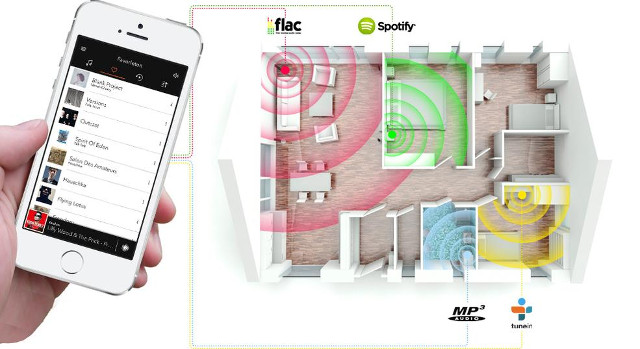
The basic structure of a multiroom system consists of the following components:
- Wi-Fi speakers: Wi-Fi speakers are installed in one or more rooms and connected to the local network. The speakers in the Teufel Home seriesOpens in new tab support multiroom functionality via AirPlay 2 and Google Cast.
- Wi-Fi router: This provides the infrastructure for wireless audio transmission. To supply several speakers simultaneously, the Router must provide sufficient bandwidth.
- Music source: There is essentially only one requirement for the music source: it must have a Wi-Fi connection. The music source can be a streaming service, other internet services such as YouTube, or a local hard drive.
- Control architecture: Control is usually handled via a smartphone, which acts as a remote control. With the free Teufel Home app, you can set up individual Teufel Home devices and adjust sound and volume, for example. For multiroom playback, group the speakers via AirPlay 2 on Apple devices or via Google Cast in the Google Home app.
These interconnected speakers open up a variety of new possibilities. Each speaker can be controlled by a source device, regardless of its location within the network. You can also drive multiple speakers simultaneously and define listening zones.
A multiroom system is also generally suitable for voice control. If you have integrated a smart speaker into your network, simply tell it when you want to listen to your favorite music.
Does Multiroom Streaming Also Work with AirPlay 2 and Google Cast?
We get this question quite often, and the answer is a clear yes!
Both Apple’s own streaming architecture AirPlay 2 and Google Cast (formerly Chromecast) enable multiroom streaming with speakers from the Teufel Home seriesOpens in new tab throughout your home.
As an Apple user, you simply need to ensure you’re using a compatible AirPlay 2 device, such as our MOTIV® HOMEOpens in new tab. All devices must also be on the same Wi-Fi network. But what if your speakers and other devices aren’t AirPlay 2-compatible? Fortunately, there’s a smart solution for that too!
In this guide, we’ve provided a concise explanation of how multi-room streaming works with Google Cast.
Bluetooth speakers at Teufel
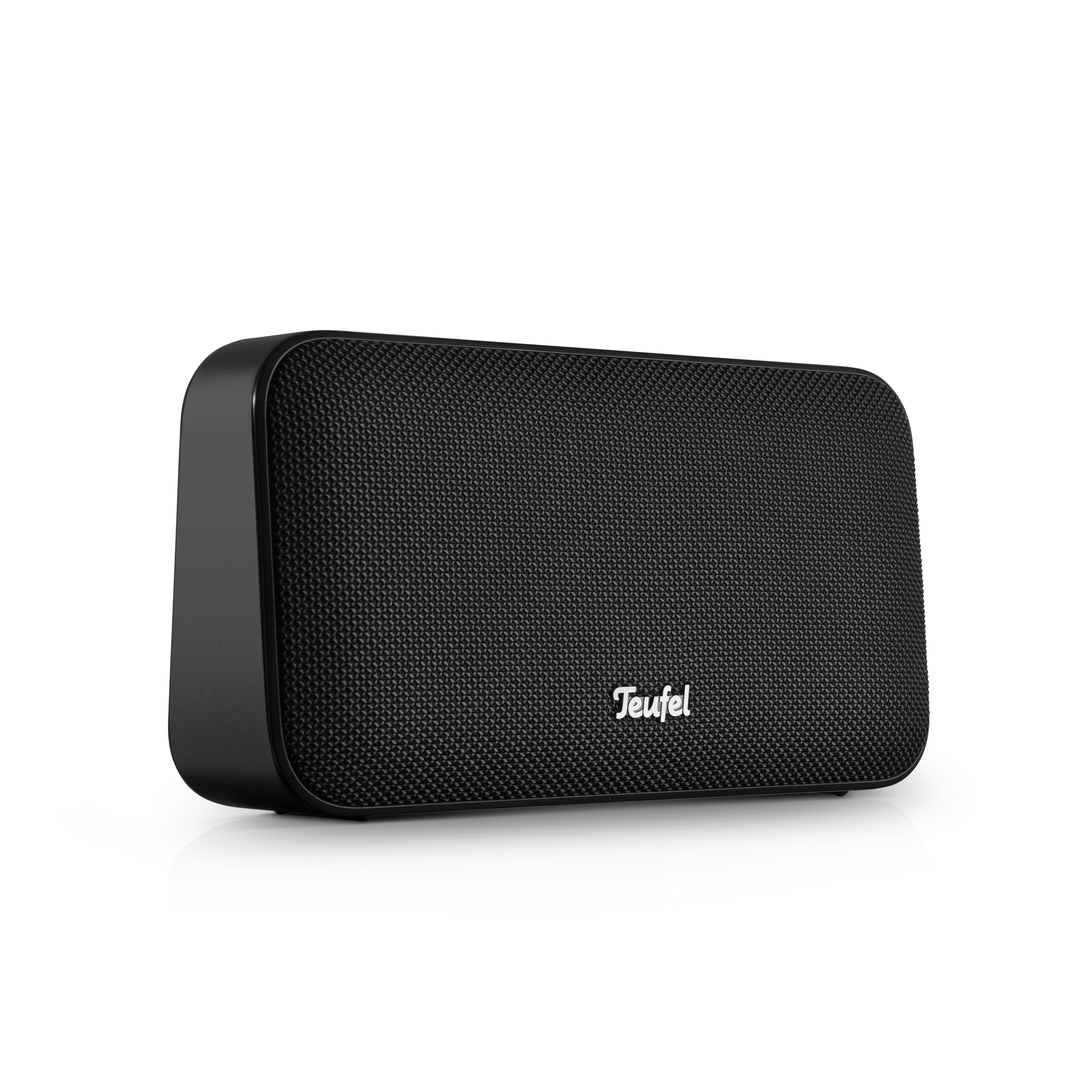
MOTIV® GO 2
229,99 €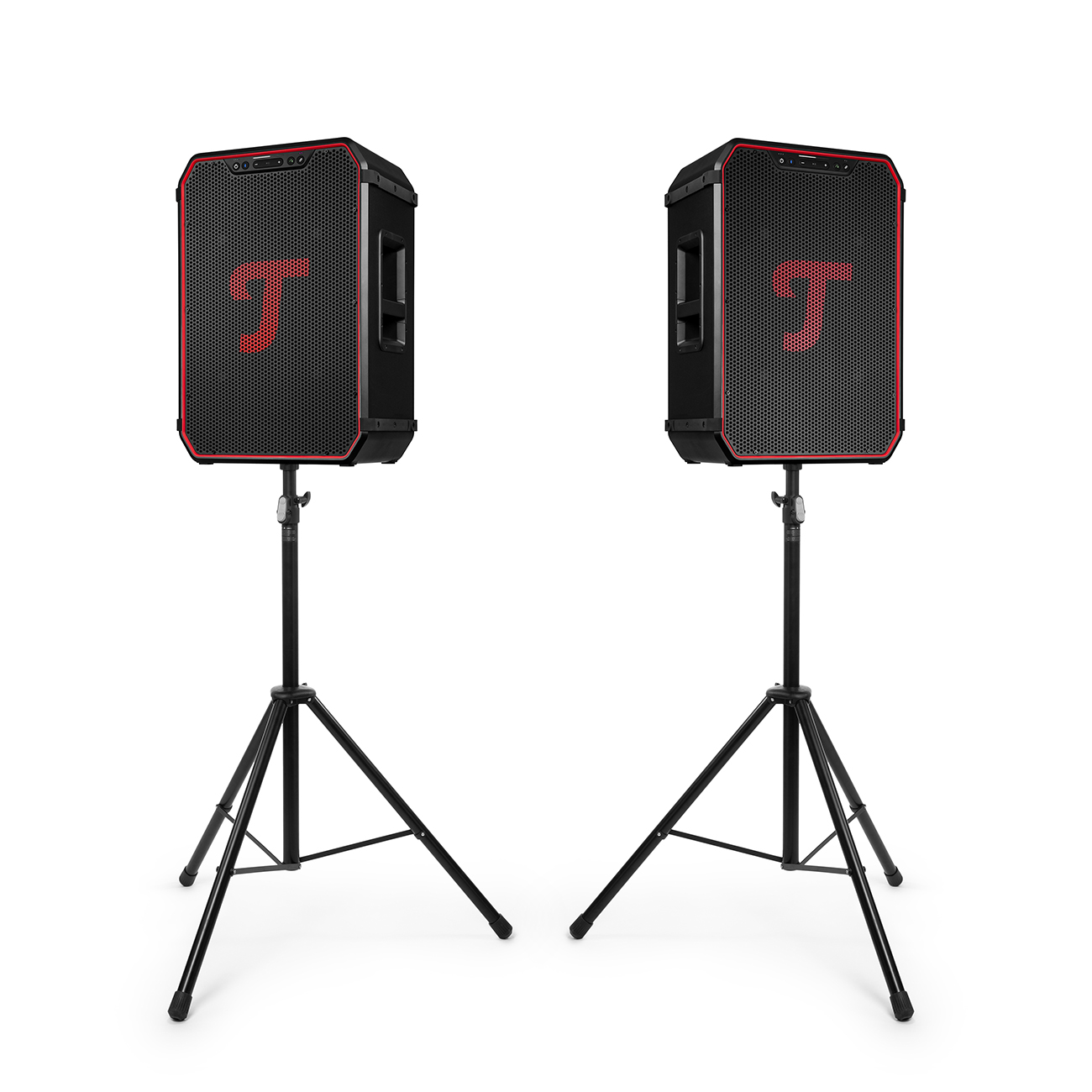
ROCKSTER NEO stereo set + K&M speaker stands
1359,99 €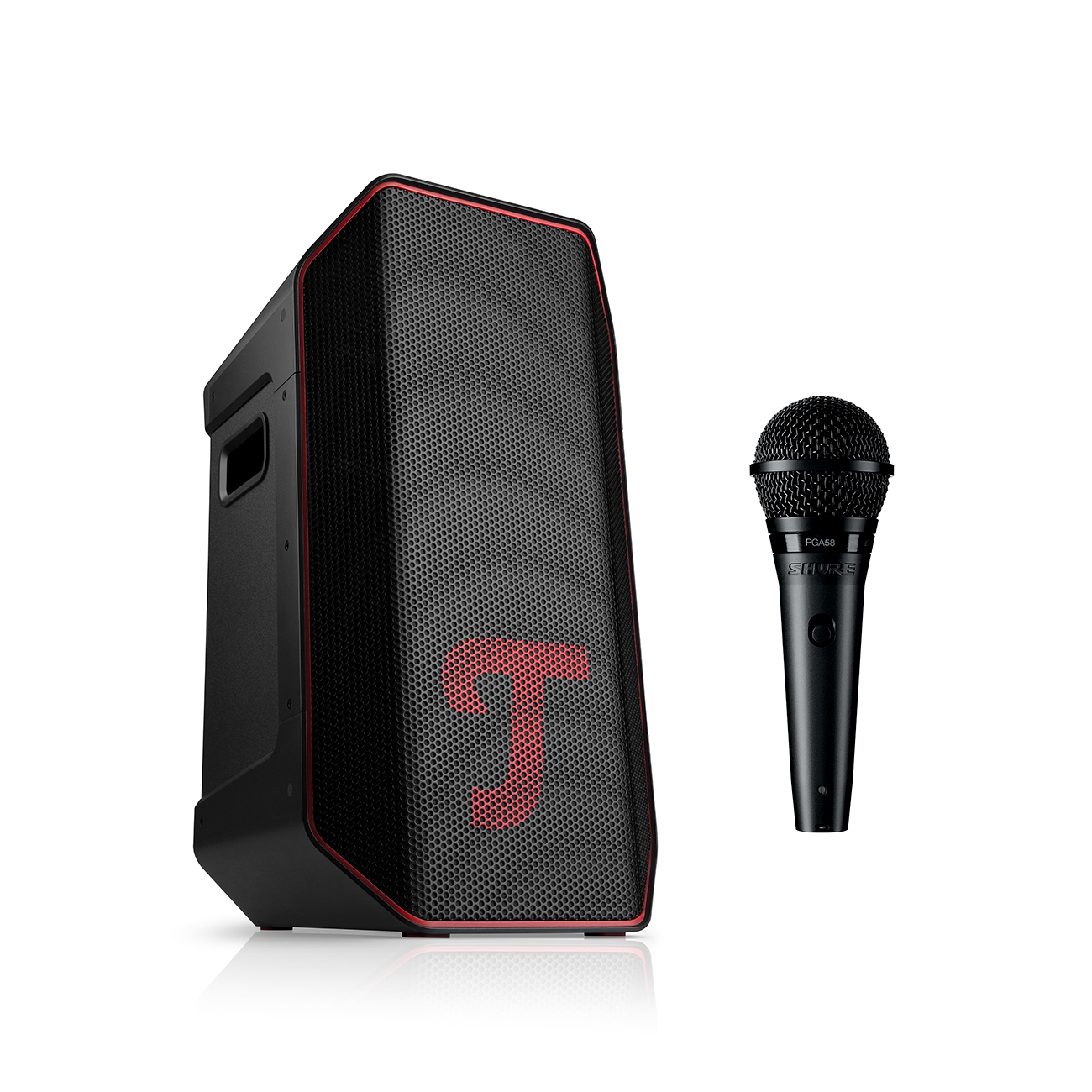
ROCKSTER AIR 2 + Shure PGA58
574,99 €Integrating a conventional system into a multi-room system
Older hi-fi systems often consist of an amplifier or receiver and passive speakers. These systems usually operate without Wi-Fi or network functionality. However, even such classic systems can be integrated into a modern multi-room system, albeit with a few workarounds.
Teufel Home devices cannot be connected directly to traditional systems. However, if you already own a high-quality stereo system and wish to incorporate it into a multi-room system, you can use external solutions. For Apple users, the Belkin AirPlay 2 Audio Adapter is a good option, for example. This simply connects to the amplifier via a RCA or optical cable – and the system can then be controlled via AirPlay 2 and integrated into a multi-room setup.
There are also alternatives for Android users, such as devices with Google Cast built-in or suitable streaming adapters. It is important that all components are on the same Wi-Fi network and that compatible apps are used.
How many rooms should the multi-room system cover?
If you want to set up a multi-room system, you first need to decide how many rooms you want to cover and which speakers you want to include. This depends on the layout of your rooms and your listening habits. For example, if you want to listen to music from a stereo system in the living room and internet radio in the kitchen, a two-component system is a good option. However, configurations with three or more speakers are also possible.
In principle, there’s no upper limit to consider when setting up a multi-room system. As mentioned earlier, the key factors are how many devices your Wi-Fi router can connect to the network, and at what number of simultaneously active speakers issues such as dropouts might occur. However, a Wi-Fi repeater can be used to extend both the range and signal strength.
Set up your own multi-room system with Teufel: Here are the speakers you’ll need
 Opens in new tab
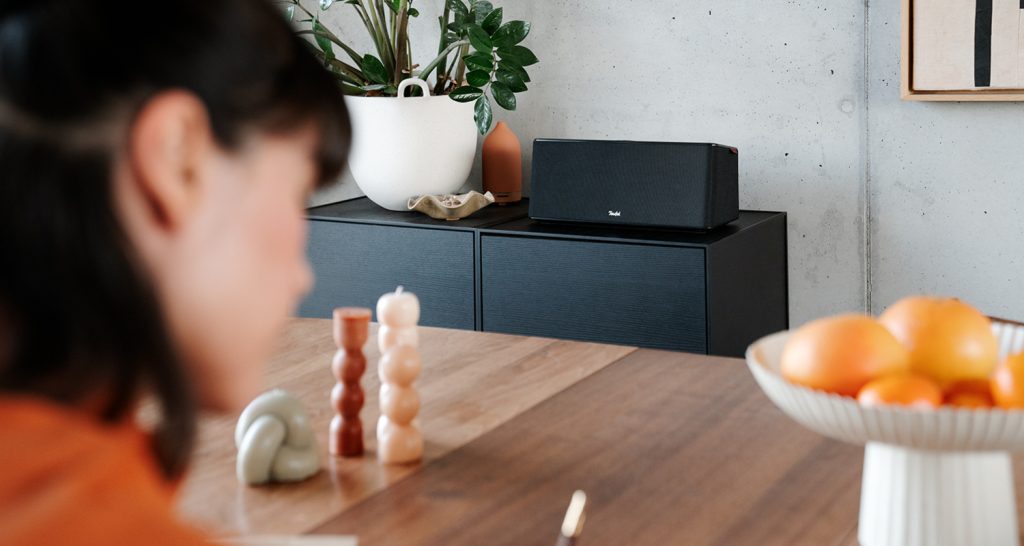
The choice of speakers also depends on listening habits and usage scenarios. A multi-room system can include all common types of speakers: from soundbars for the TV to powerful stereo speakers and portable mini speakers.
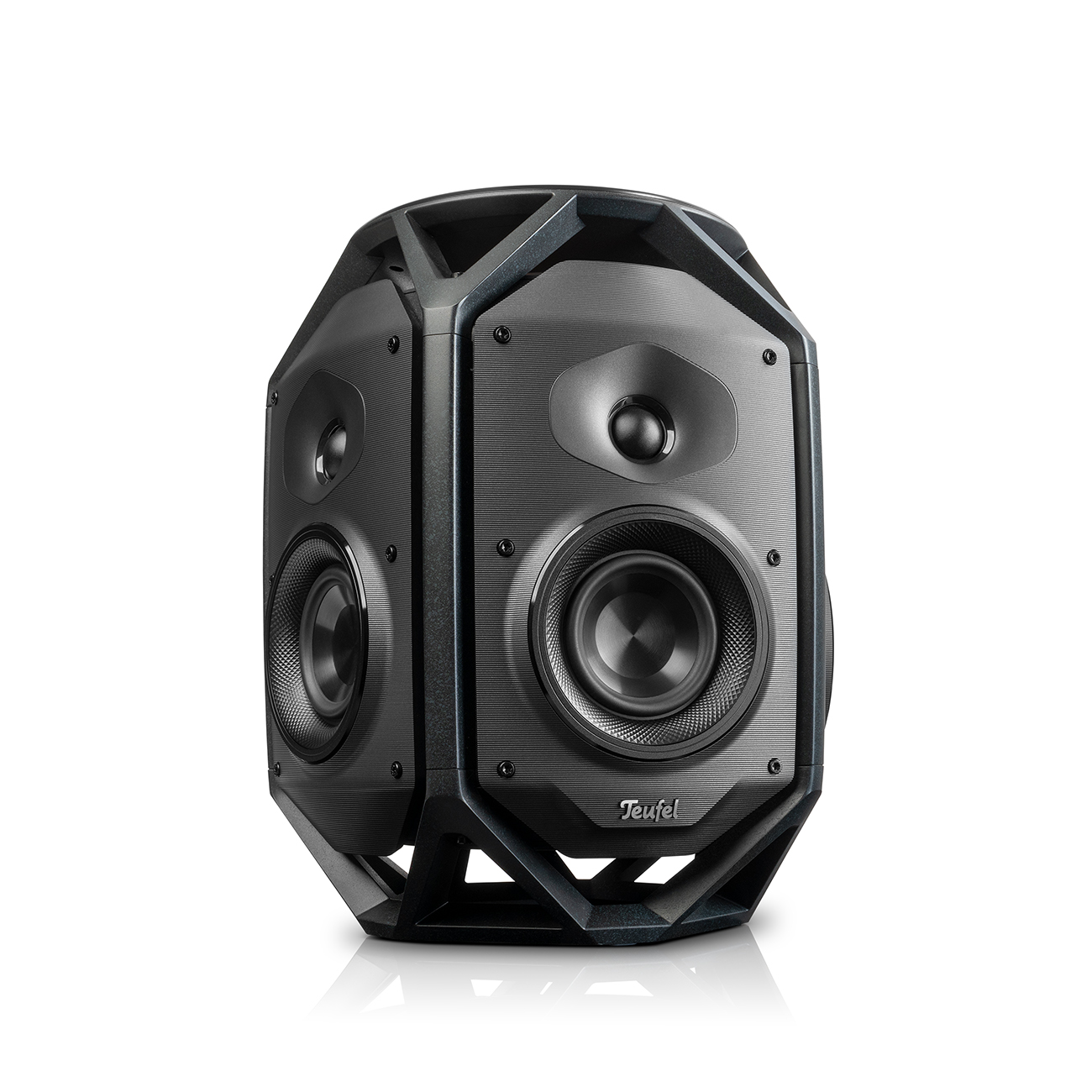
▶ MOTIV® HOMEOpens in new tab: This smart companion from the Teufel Home seriesOpens in new tab is a true all-in-one streaming expert. Wi-Fi, Bluetooth with AAC, Apple AirPlay 2 and Google Cast™ built-in (including multi-room option), Spotify Connect and TIDAL Connect – it’s all on board! Dynamore® Ultra for a virtual stereo panorama, a highly efficient Class D power amplifier and a powerful lithium-ion battery for up to 15 hours of streaming fun round off the package.
▶ STEREO L 2Opens in new tab: This pair of active Wi-Fi floorstanding speakersOpens in new tab delivers powerful stereo sound for larger rooms. You can stream music via AirPlay 2, Google Cast, Spotify Connect and TIDAL Connect, amongst others. The system can also be connected to a TV via the optical digital input. A line-in is available for analogue sources.
Other Teufel streaming products
Conclusion: Multiroom Gives Hi-Fi Mobility
- In a multiroom system, audio data is streamed from a mobile device to Wi-Fi speakers.
- The existing home network is used for streaming.
- Conventional audio systems can be integrated into the home network using network players.
- Multiroom streaming is possible with speakers that support the same compatible standard. Devices from the Teufel Home series can be grouped via AirPlay 2 or Google Cast for this purpose.
- The number and type of speakers depend on room conditions, personal requirements, and listening habits.

One response to “Which multi-room audio system is right for me?”
Hi
thank you for information good multi midea wofar i like this good sond and good bacse