
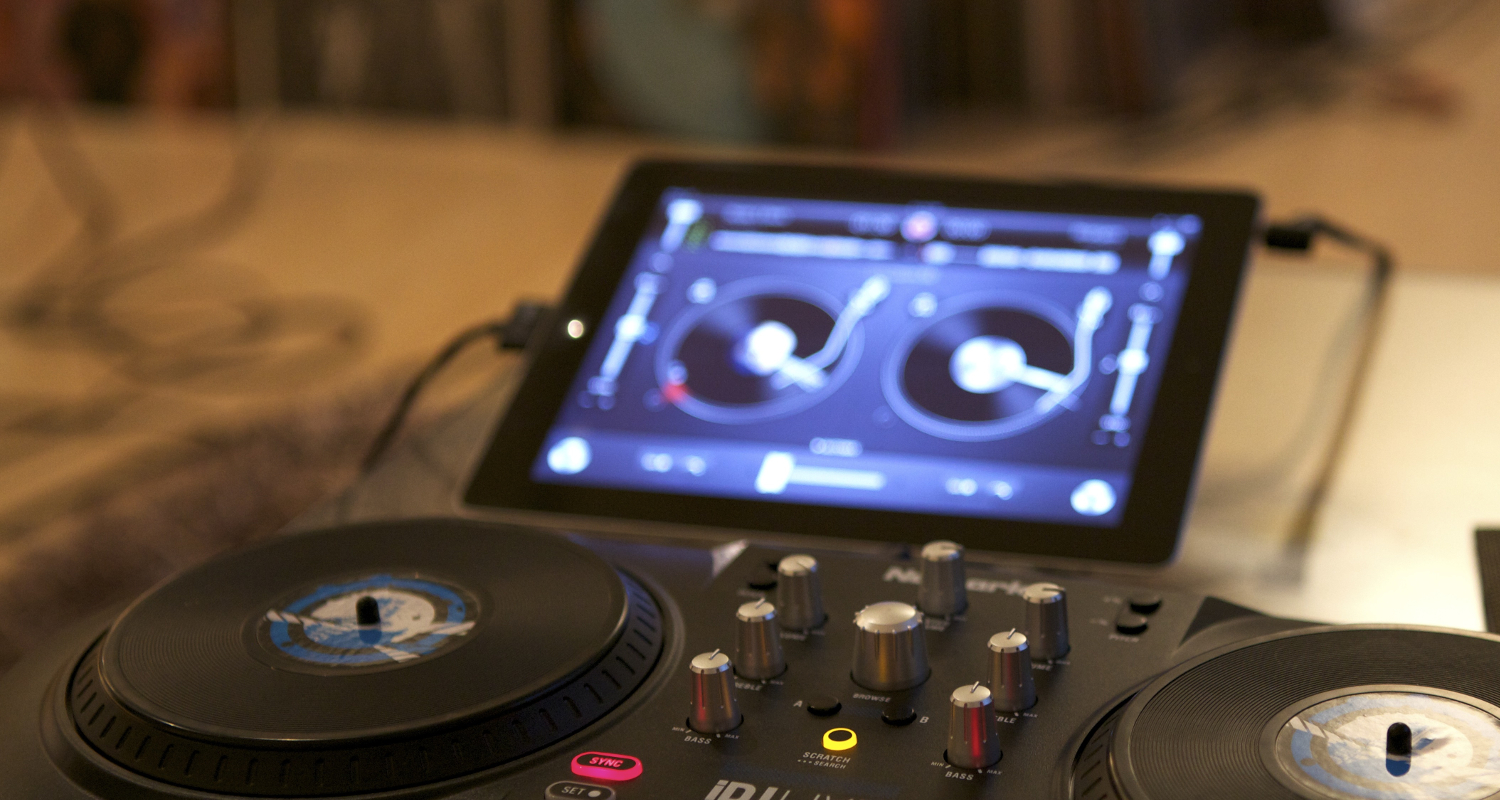

Mix different tracks, create seamless transitions, and craft completely original sounds: With DJ apps for iOS and Android, your smartphone or tablet becomes a virtual turntable. For example, you can play two songs simultaneously, mix them together, and switch between them as you like. You can also slow down or speed up the music and apply filters and effects to your tracks. Another highlight: DJ apps can generally access various streaming services such as Spotify, TIDAL, Deezer, or SoundCloud and use playlists stored there as well.
The 5 Best DJ Apps for Android and iOS
The range of DJ apps continues to grow—whether free or paid. The following five DJ apps are available for Android and/or iOS and consistently rank among the best.
TRAKTOR DJ 2
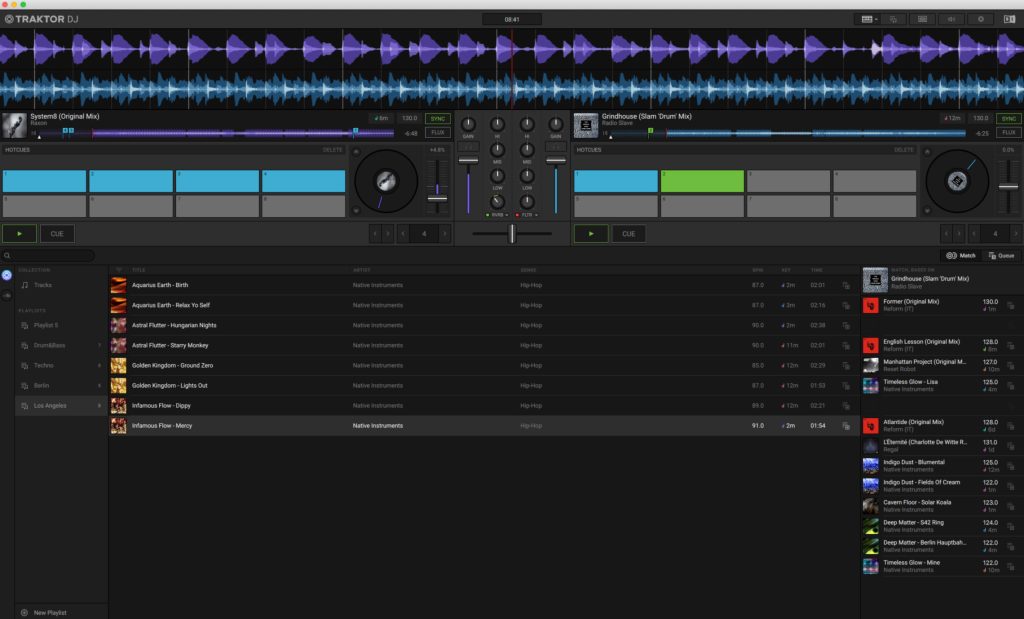
TRAKTOR DJ 2 is a free DJ software that offers beginners a solid range of features without overwhelming them with complexity. The app includes two virtual decks in different layouts, as well as standard functions such as pitch faders, sync buttons, beat jumps, and loops. The virtual mixer provides the essential tools needed to blend and shape tracks smoothly. If you want to record your mixes directly, you can use the built-in recording feature. TRAKTOR DJ 2 is available for iOS on iPad and as a desktop version.
Algoriddim Djay Free and Pro
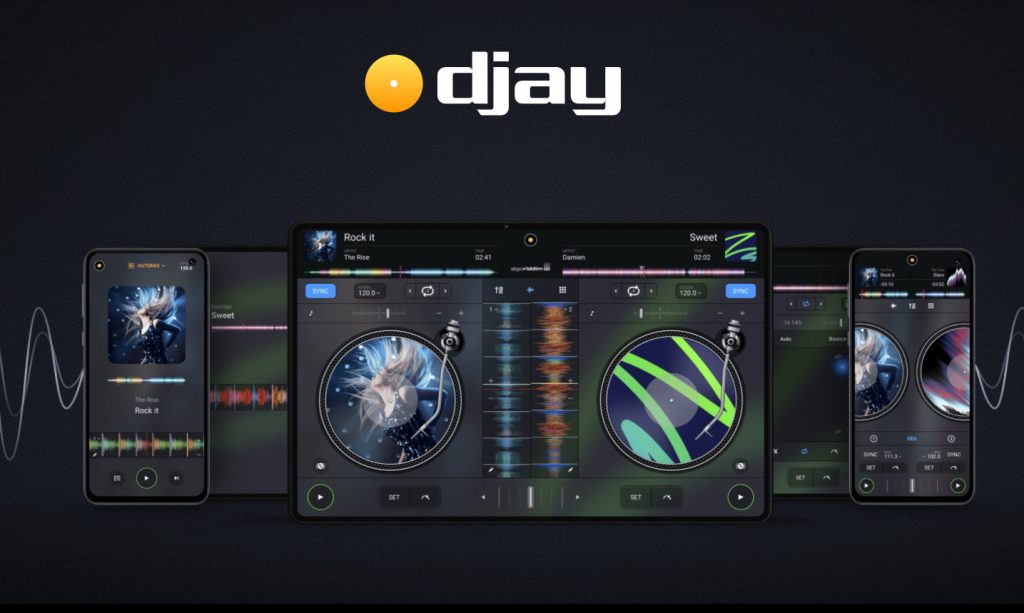
The developers of Algoriddim Djay have extensive experience with DJ apps and deliver an exceptionally solid product. In addition to basics such as loops, playback speed adjustment, and BPM control, the app also provides various effects for creatively transforming tracks. Splitting and rearranging songs is no problem either. Use the scratch function to feel like a real DJ.
It is also practical that you can easily record your custom-created sounds and play them back whenever you want. For good reason, this DJ app has been one of the market favorites for years. Algoriddim Djay can use music stored on your smartphone or tablet, although Spotify integration is unfortunately no longer available. Algoriddim Djay is available as a free app and as a paid Pro version with additional features for Android, iOS, and Windows.
edjing Mix
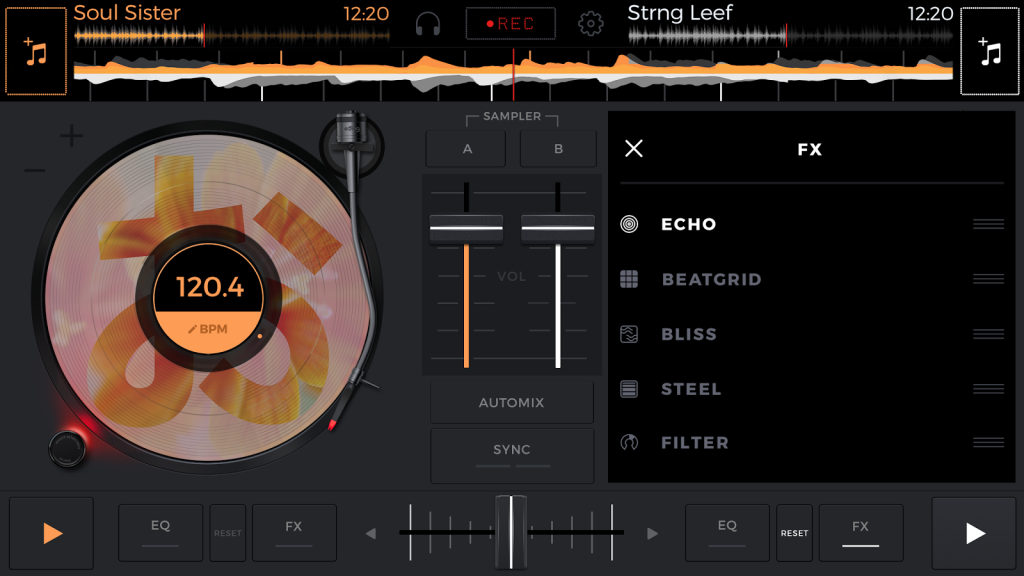
edjing Mix is another highly recommended app for music lovers. An equalizer, various sound filters and effects, and full BPM control provide everything needed for mixing music. Thanks to the clear interface, you can prepare upcoming tracks effectively and keep the music playing seamlessly. Unlike many other DJ apps, edjing Mix also offers exceptionally flexible music integration. Whether you use Spotify, TIDAL, SoundCloud, or iTunes, it does not matter. Music from cloud storage services such as Dropbox, iCloud, and Google Drive can also be integrated with just a few clicks. Once your track is mixed, you can share it with your fans via WhatsApp, Facebook, Twitter, and more.
Cross DJ Pro
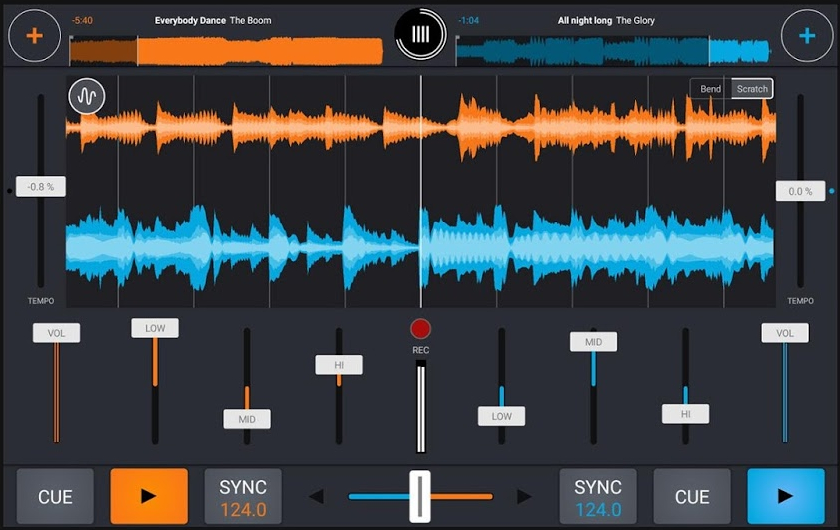
If the free Cross DJ app is not enough because you need more advanced capabilities, Cross DJ Pro might be of interest. The many features of this paid DJ app are reminiscent of professional computer software and leave little to be desired. You can customize the intuitive interface to suit your preferences. Thanks to a parallel waveform display, synchronizing two tracks is incredibly easy—not that it matters much, since the app can also do it automatically if desired. Particularly appealing for advanced users: the DJ app responds to your adjustments without delay, making it feel even more like a real DJ setup, enhanced by its highly realistic scratch sound.
VirtualDJ Remote
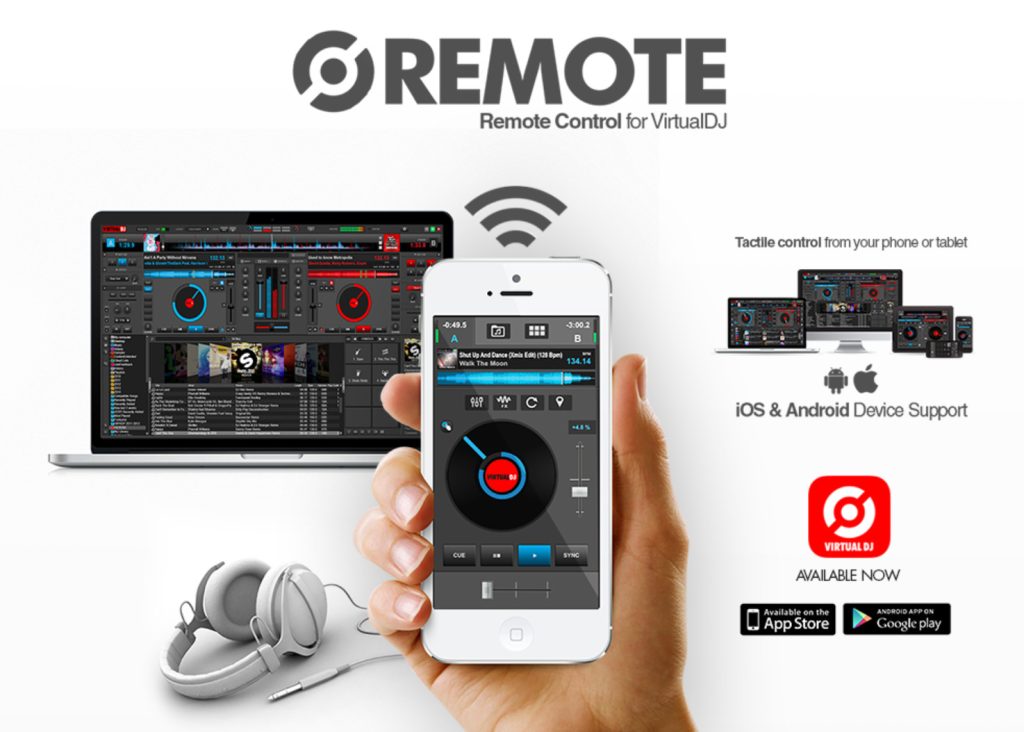
VirtualDJ claims to offer more innovative features than any other DJ software. However, opinions in the DJ community are divided: some love it, while others criticize its overly complex structure.
In our view, it ultimately comes down to personal preference. The fact remains that VirtualDJ is available as both free and paid DJ software and can be connected to a smartphone or tablet through the VirtualDJ Remote app for a small fee. The only requirement is that VirtualDJ software is already installed on your PC or Mac.
Take Your Sounds Anywhere with These Bluetooth Speakers from Teufel

Not Just for On the Go: Rock Your Next House Party with a DJ App
DJ apps are not just fun tools for creating unique playlists for your evening run. They can also help you perform as a DJ at your next birthday party or a friend’s pre-wedding celebration. We also provide tips for creating custom playlists. To make sure the music is not limited to headphones, there are various streaming options available. With multiroom audio, for example, you can easily fill every room in your home—and even the garden—with music simultaneously.
But where can you find new music for your DJ sets?
Reading tip: Music streaming services such as Spotify and TIDAL offer features that help you discover new releases. There are also initiatives like United We Stream, where you can listen to live DJ sets and gather plenty of inspiration. Alternatively, you can buy music instead of streaming it. You will find practical tips for recording your own sets in our article on DJ equipment for your next home party.
Sounds exciting? Learn what matters most when choosing DJ equipment for beginners in this YouTube tutorial.
Music Throughout the House: Multiroom Systems from Teufel
The good news: You do not necessarily need a brand-new high-end audio system to play music in multiple rooms. If you already own a hi-fi speaker setup, the solution is a streamerOpens in new tab. This compact device acts as a control center that enables internet streaming and distributes music to your speakers. This lets you stream through any hi-fi system, including older equipment that is not natively Wi-Fi capable.
▶ STEREO M 2Opens in new tab: The STEREO M 2 speakers from Teufel deliver a full-on audio experience. These two speakers bring the very best sound into your home and boast a host of features. Via Wi-Fi or Bluetooth, you can listen to your favourite playlists from Spotify and other services, internet radio or tracks from a USB drive, turning your living room into a concert hall.
▶ ONE MOpens in new tab: With the ONE M all-in-one sound system, you can turn your tunes into a true audio experience. Thanks to the built-in subwoofer, you’ll feel the energy of the low frequencies and bass resonating through your whole body; a total of seven drivers bring out every nuance of sound perfectly. Connect your device to the sound system via Wi-Fi or Bluetooth and discover music on a whole new level. Pair the ONE M with other speakers and you’re guaranteed lossless multi-room sound.
Tip: Got a house party coming up and wondering how to spread that club atmosphere from the living room right through to the bathroom? Find out more about how to set up a multi-room system.
Other interesting Teufel products
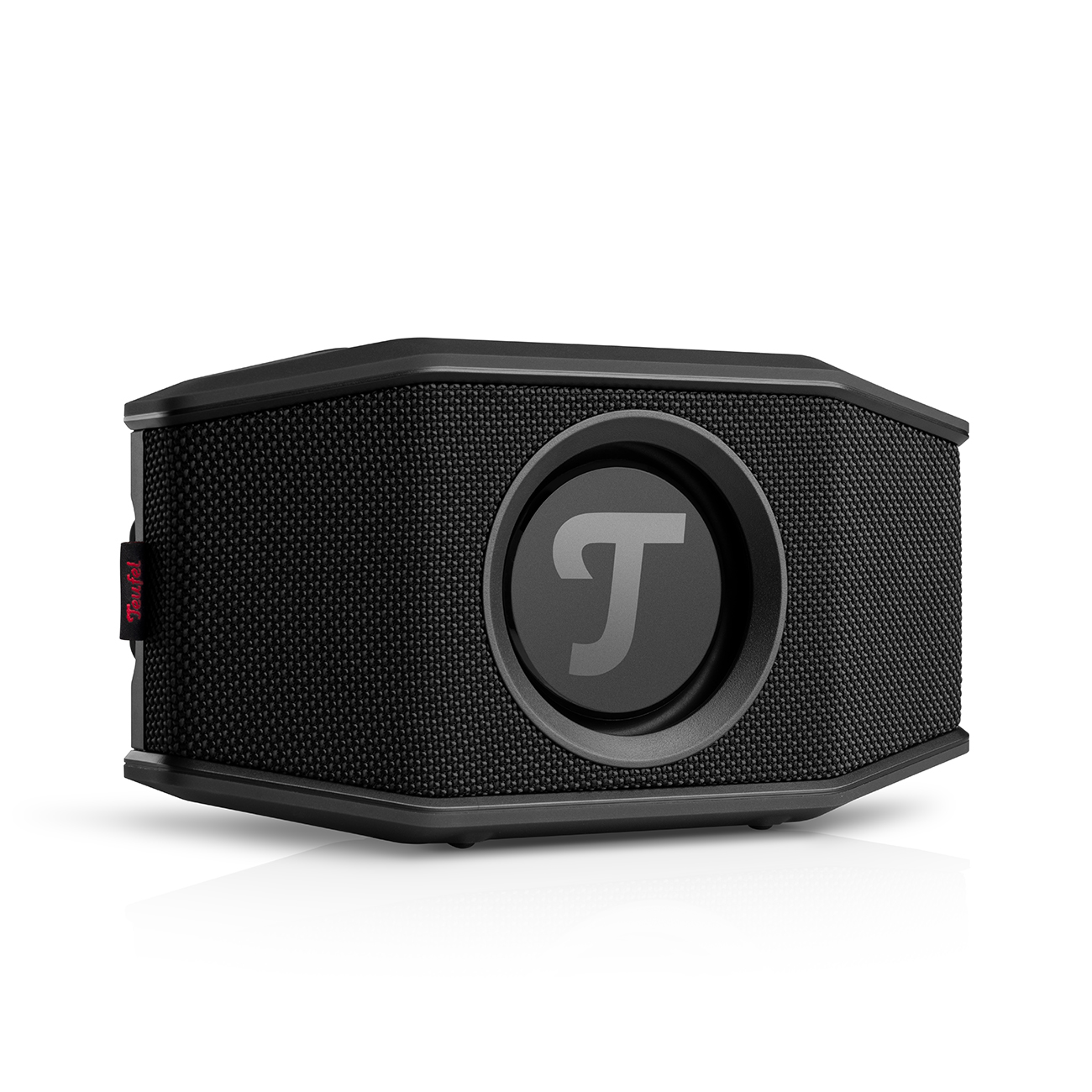
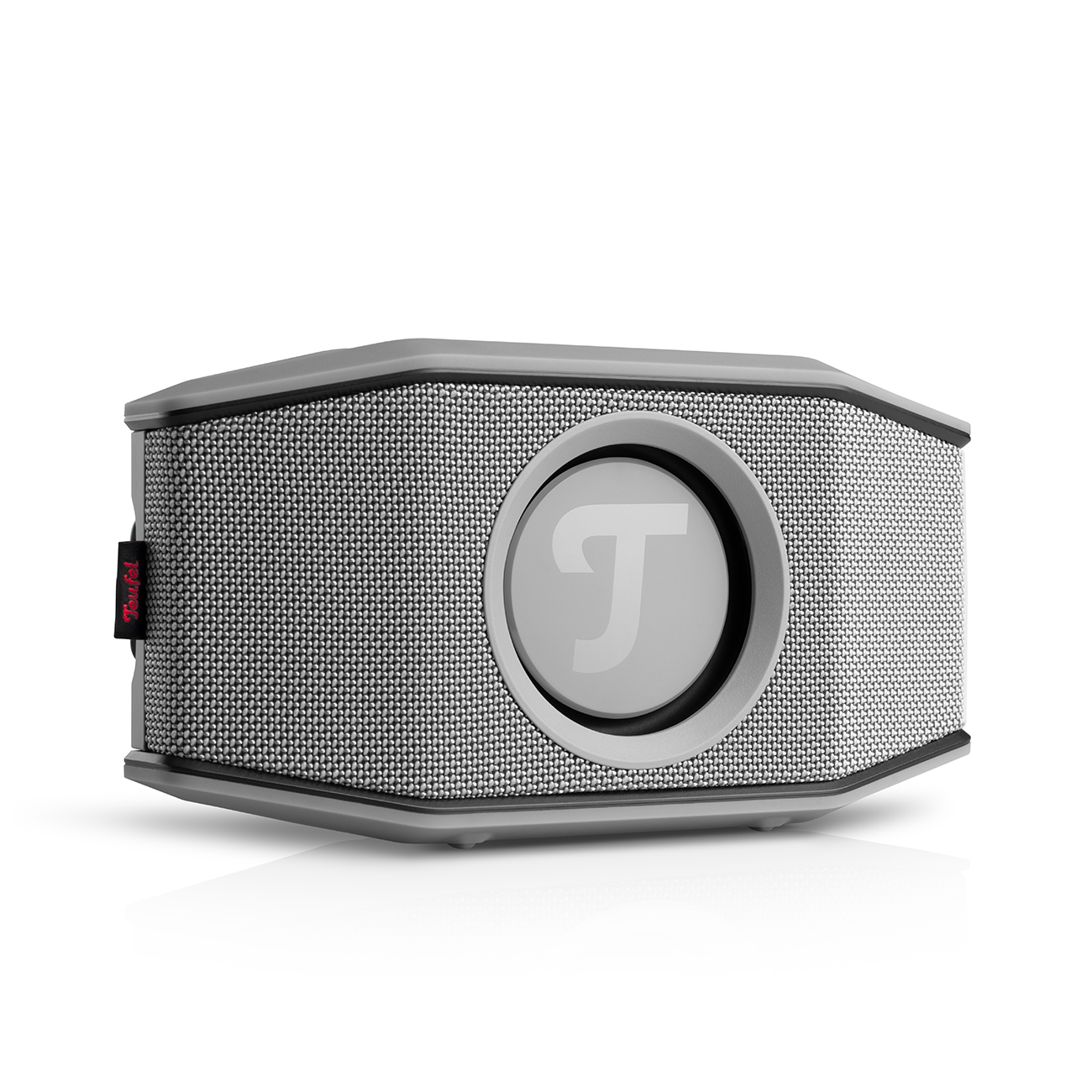
Conclusion: DJ Apps for Your Individual Sound
- The Google and Apple app stores offer a huge selection of DJ apps for Android and iOS, ranging from freeware to professional software.
- Use a DJ app to create your own sound with seamless transitions, numerous effects, and professional-style scratching.
- Combine music stored on your device with tracks from a wide range of music streaming services.
- Fill every room in your home with music using multiroom streaming.
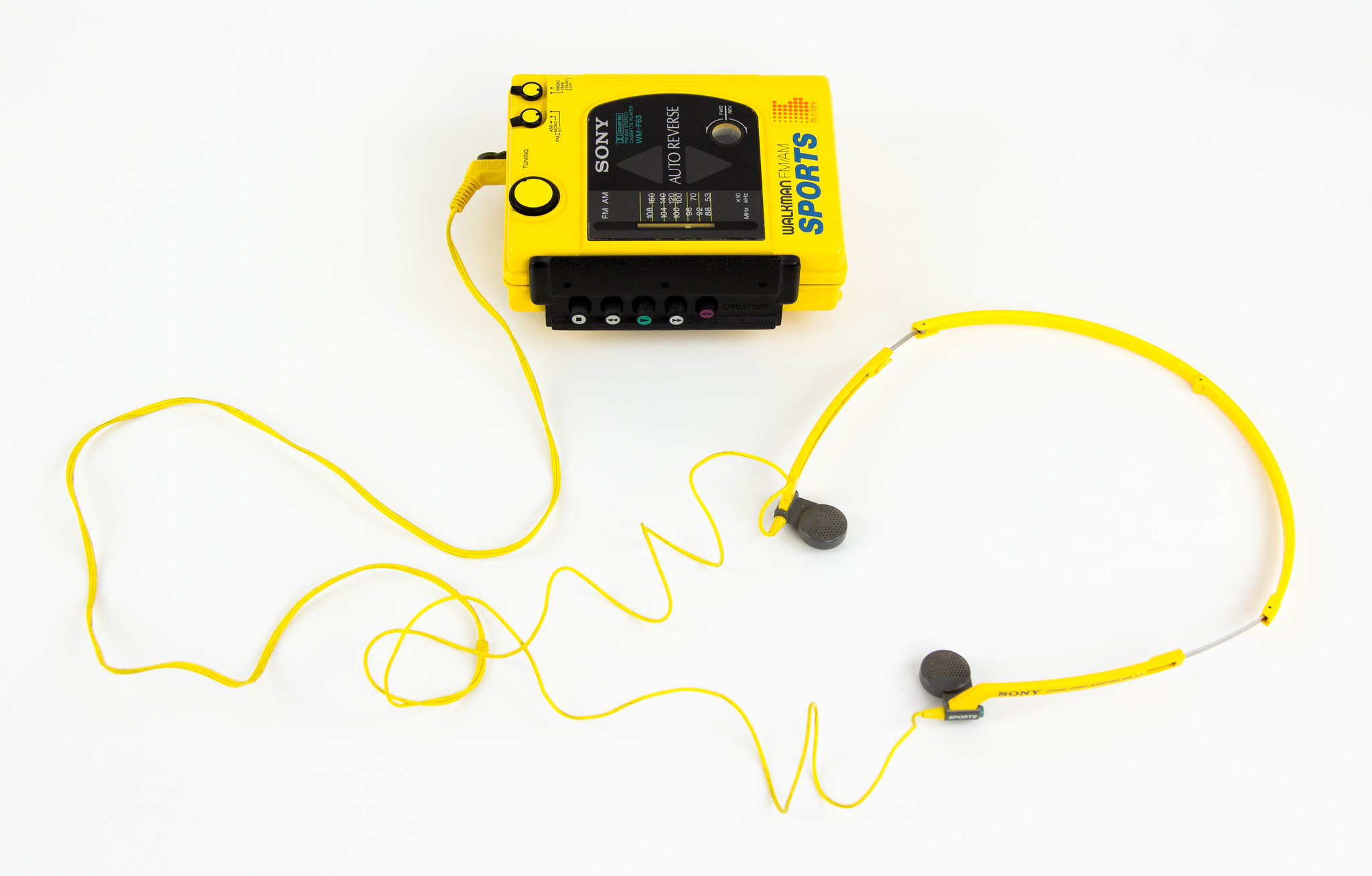
- Cover image: ©Scott Schiller. Certain rights reservedOpens in new tab. Source: WikimediaOpens in new tab
- Image 1: ©Native Instruments. Source: App StoreOpens in new tab
- Image 2: ©Algoriddim. Source: Google PlayOpens in new tab
- Image 3: ©DJiT. Source: Google PlayOpens in new tab
- Image 4: ©Mixvibes. Source: Google PlayOpens in new tab
- Image 5: ©VirtualDJ. Source: Google PlayOpens in new tab



Leave a Reply