
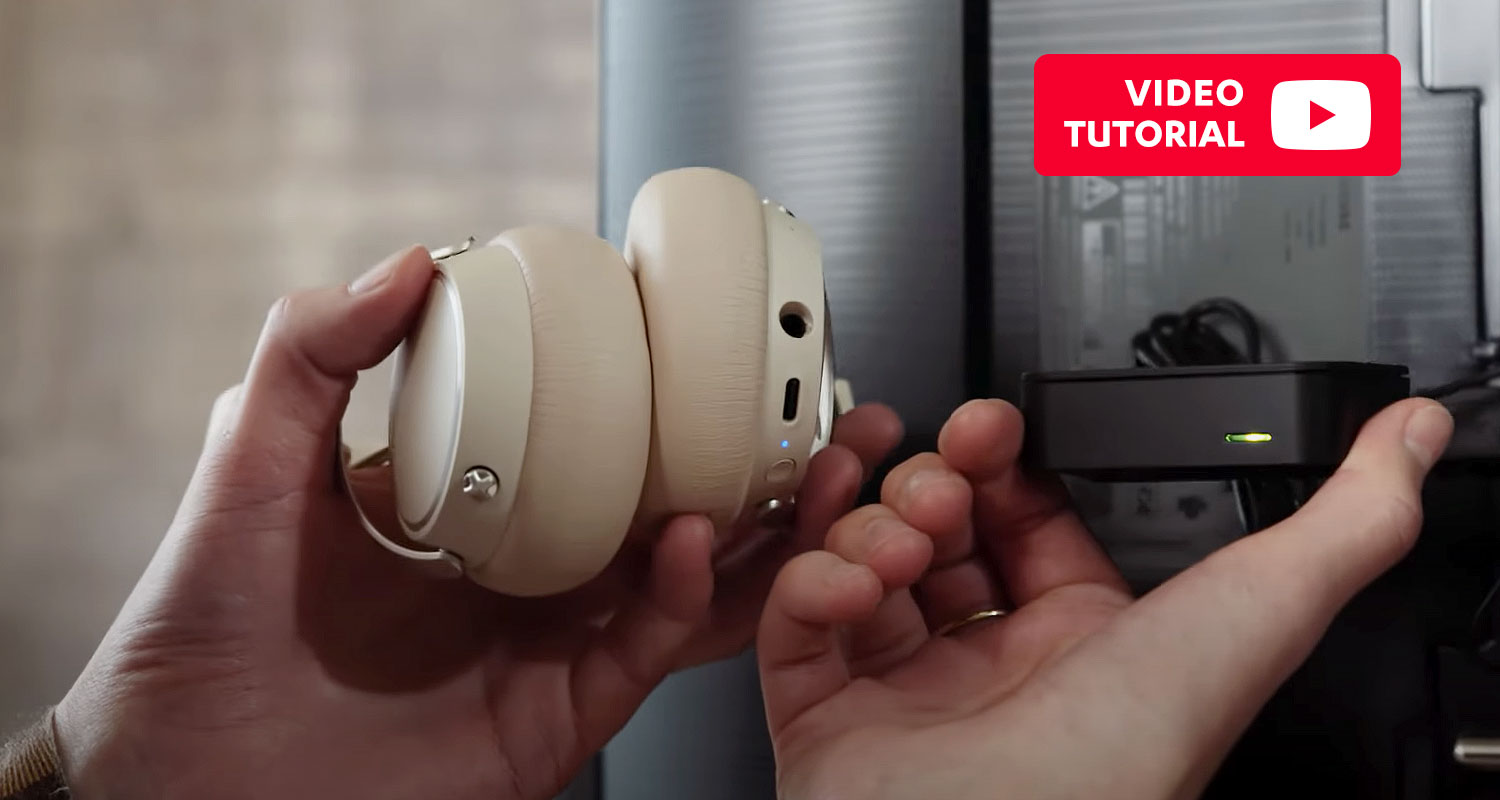

Bluetooth headphones make it easy to enjoy great sound without annoying cables. Naturally, many would like the same convenience with their television series and movies. Unfortunately, connecting Bluetooth headphones to a TV isn’t as easy as you might think. It is, however, possible and we’ll tell you how.
It should be simple to connect Bluetooth headphones to a smart TV. After all, just about every smart TV supports Bluetooth. So much to the theory. In practice, the headphones often don’t recognize the smart TV as a source device. An even more frustrating scenario is that the two devices successfully pair and the Bluetooth headphones remain silent. We explain some of the reasons for these problems and how you can successfully connect your Bluetooth headphones to your TV.
Teufel tutorial on YouTube about Bluetooth headphones for TV
In our video tutorial, Lisa explains and shows you how to successfully connect your Bluetooth headphones to the TV. Below the video you will find the most important points in a compact step-by-step guide.
Why don’t my Bluetooth headphones work with my TV?
In order to get to the crux of the matter, we have to first examine some of Bluetooth’s technical features. Bluetooth was originally designed to enable the wireless exchange of information between two computers. This makes it possible to transfer a data file from one device to another where it can be stored. Audio, however, is a whole different kettle of fish.
That’s because data transfers and audio transfers are different with Bluetooth. For one, audio transfers generally don’t work in two directions. Instead, there is source device that sends and a playback device that receives. Just because a device is equipped with a Bluetooth interface doesn’t mean that it also includes a transmitter for audio signals. In truth, many manufacturers have saved on the expense of equipping their devices with this technology. Most considered it to be enough to allow smartphones to transmit data, such as pictures, to the television.
The popularity of Bluetooth headphones caught smart TV manufacturers off guard
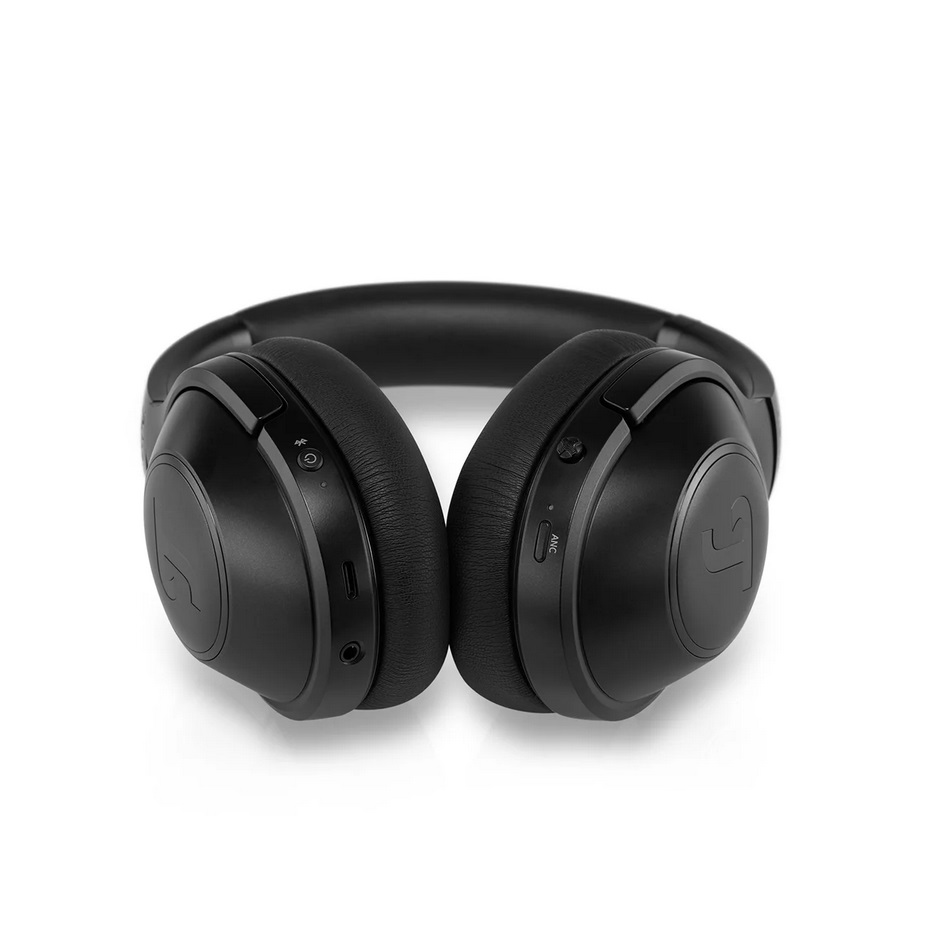
The current situation is as follows: It’s possible to send data from a smartphone or tablet to most smart TVs via Bluetooth but not the other way around. Those looking for an easy way to watch TV without disturbing others are out of luck.
There are some smart TVs on the market that can pair with Bluetooth headphones and transmit audio signals. Because this is not the norm, however, it’s important to look for this feature when deciding on a TV. A simple Bluetooth logo on the packaging can be misleading as this might simply refer to the television’s ability to receive information.
Teufel Bluetooth headphones
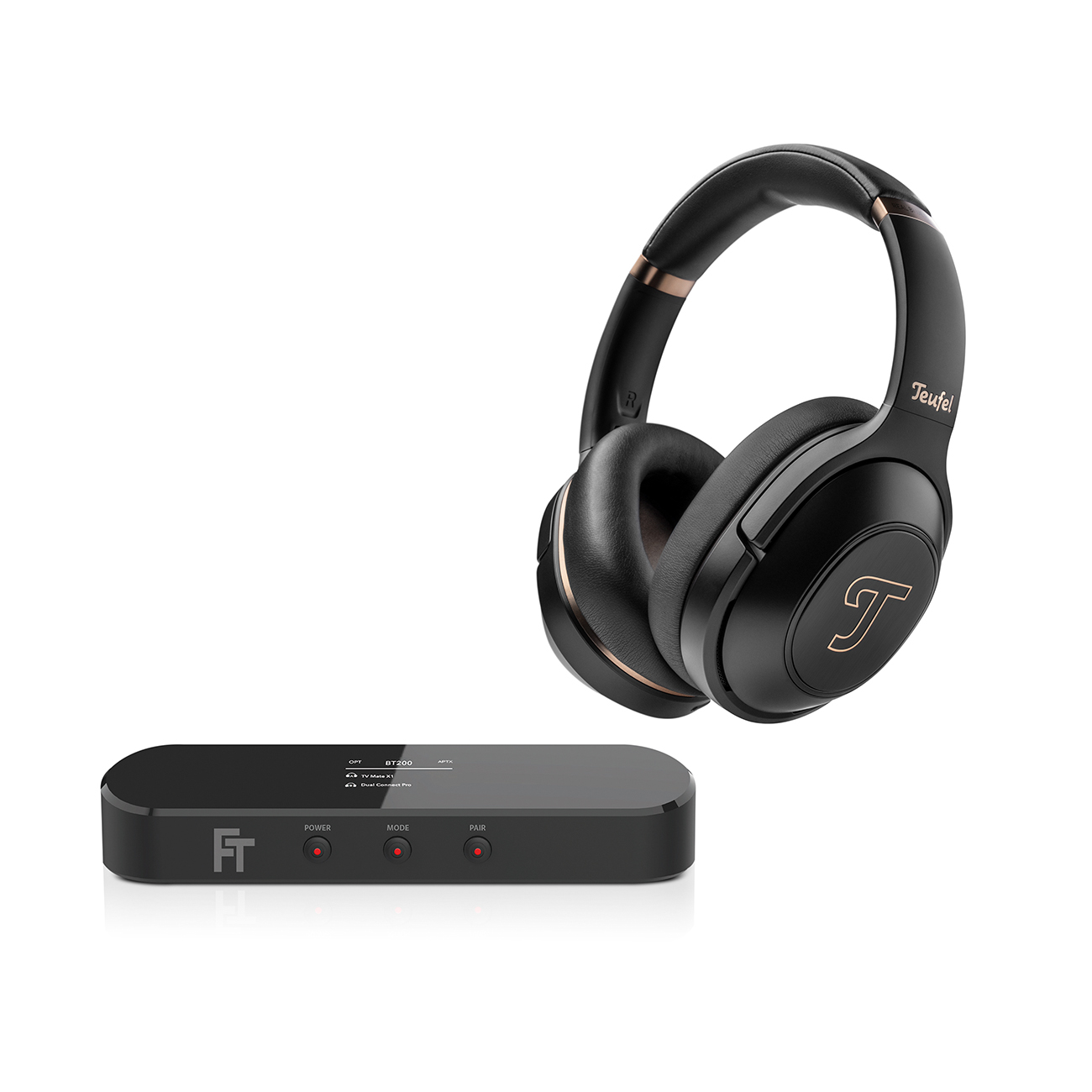
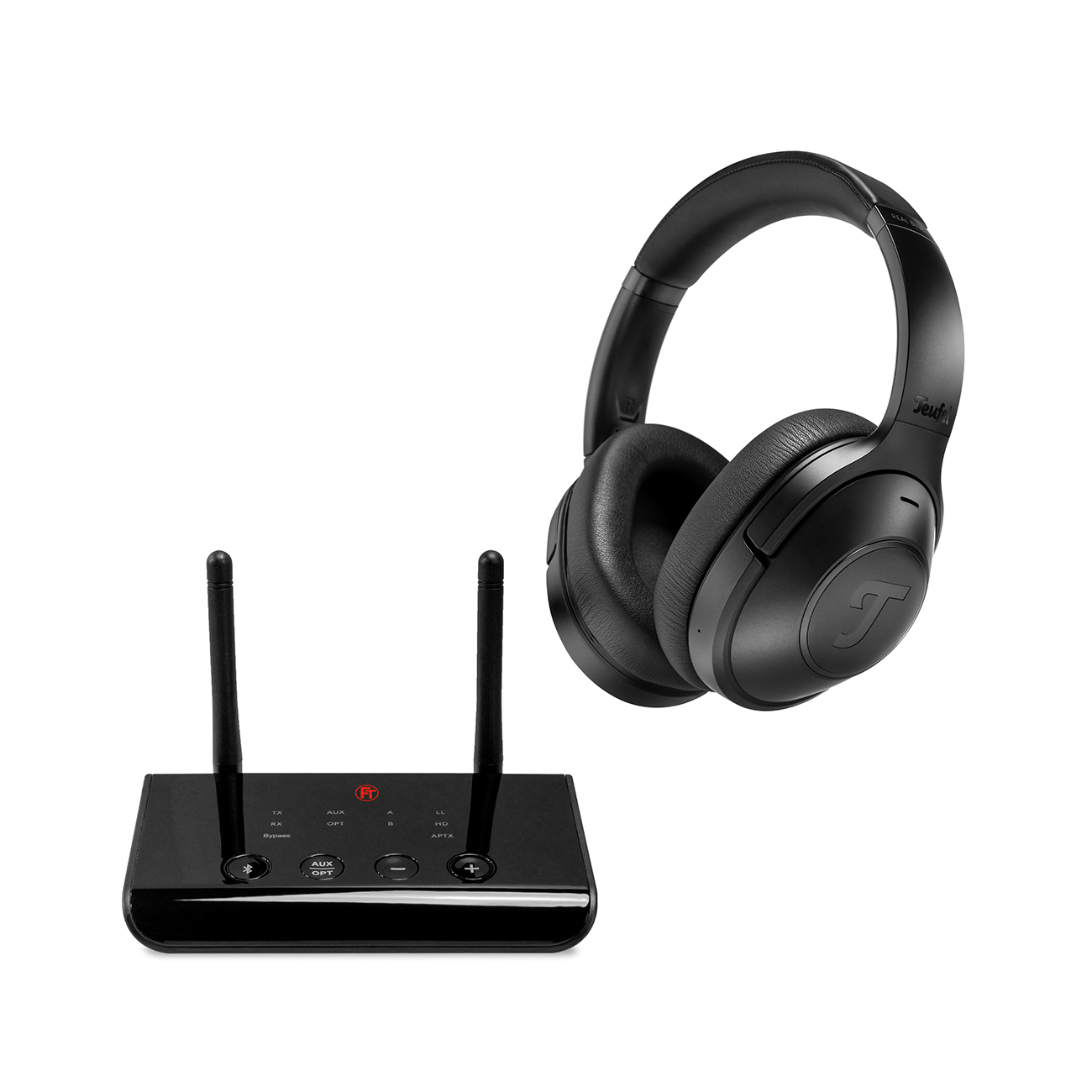
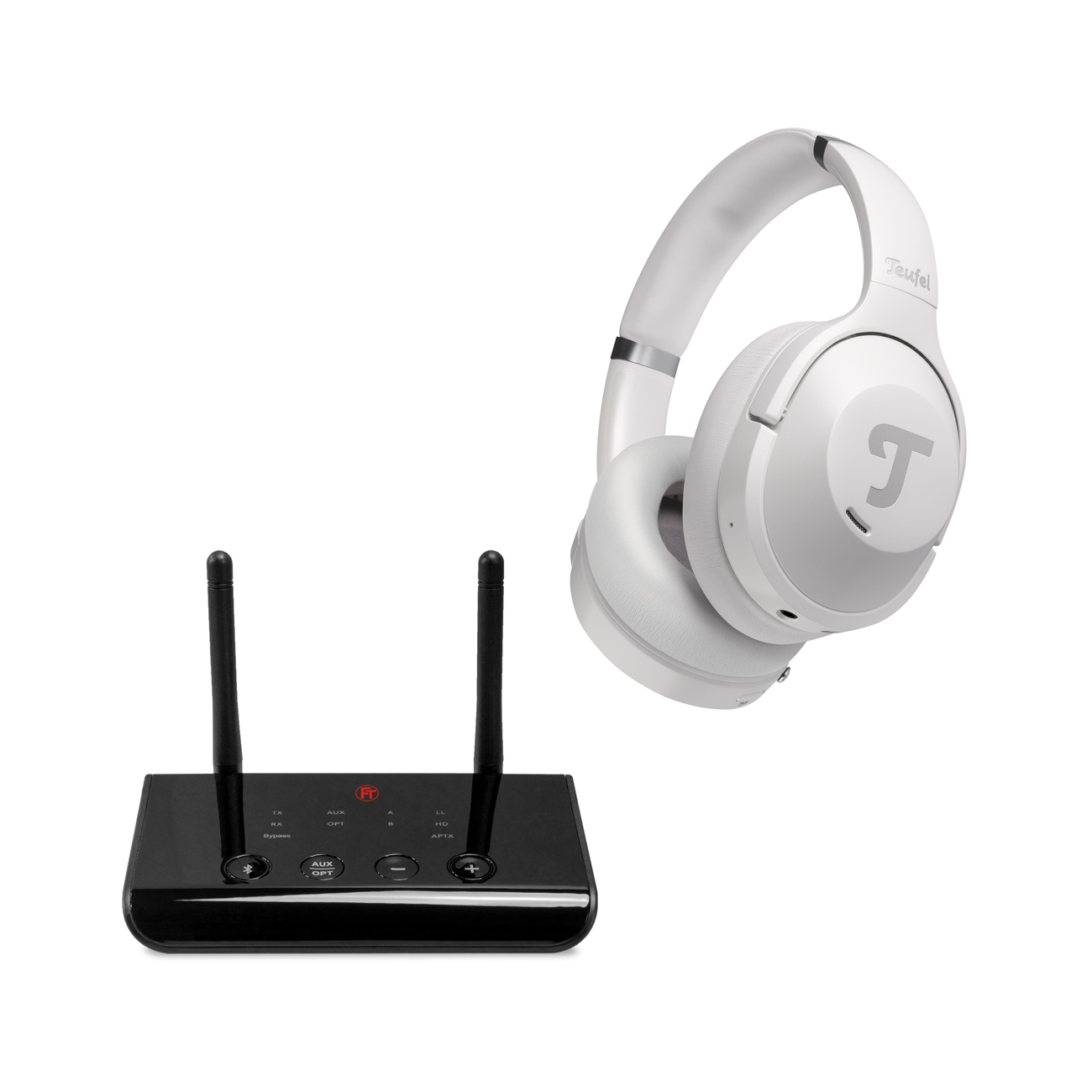
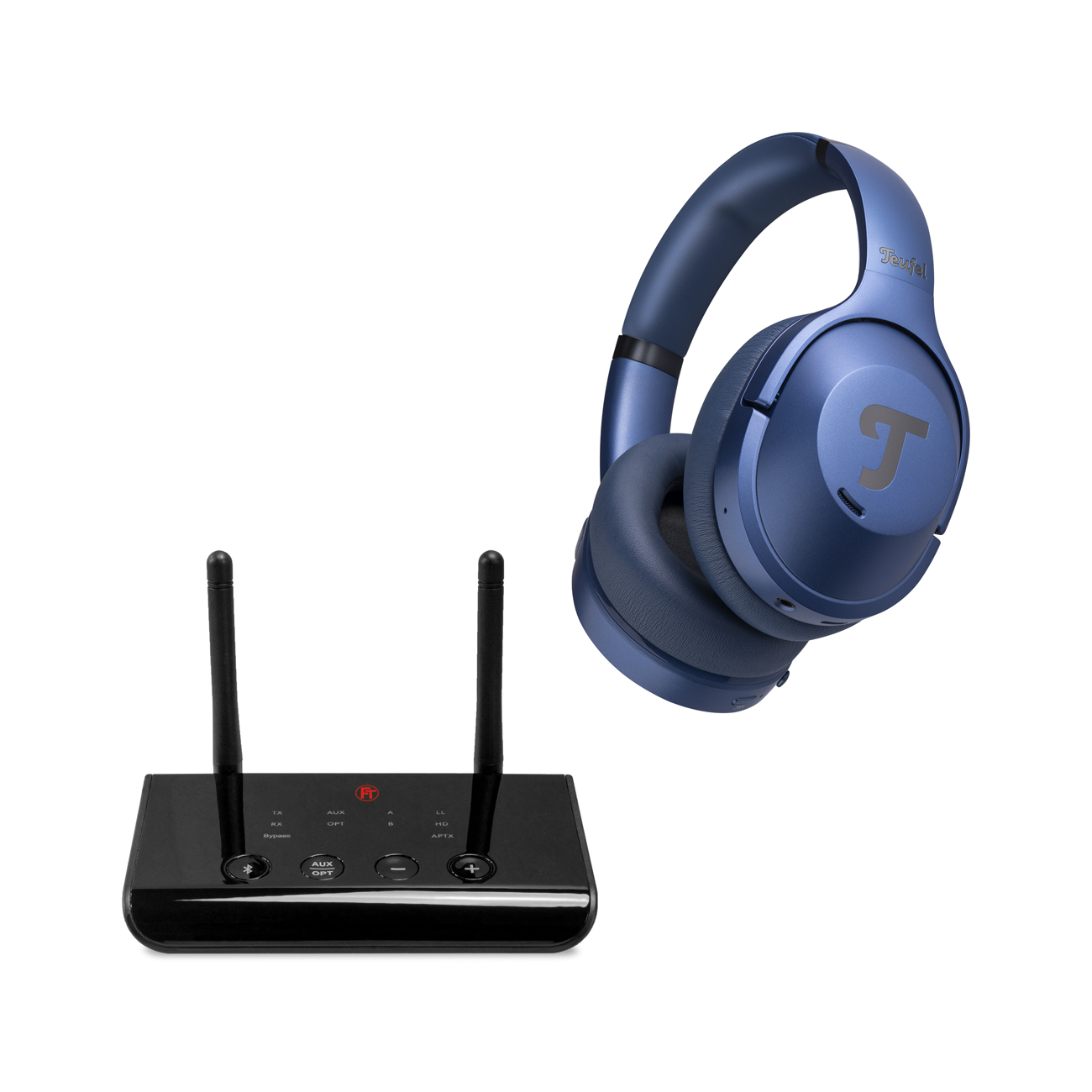
Easily upgrade your smart TV with a Bluetooth transmitter
There’s good news when it comes to connecting Bluetooth headphones to a TV: It’s possible to retrofit your smart TV with an inexpensive Bluetooth transmitter.
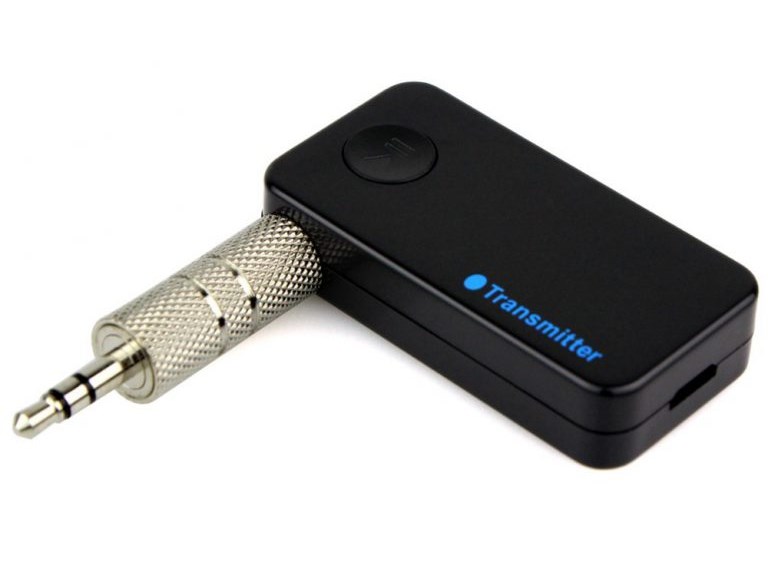
There are many different Bluetooth transmitters available but most connect to the television in the same way. If there is a free audio connection, such as a headphone output, the adapter can simply be attached here. Once connected, the transmitter receives the audio signal and processes it for wireless transmission. The principle is the same as with the combination wireless headphones / base station.
What features should I consider when purchasing a Bluetooth transmitter?
- Latency: It’s difficult to enjoy a movie when the action doesn’t correspond to the sound. Because the audio signal requires processing as it makes its way from the television to the transmitter where it is encoded and compressed, this can easily happen. This time difference is called latency and low latency transmitters are what you should be looking for.
- Multi-pairing: What if two people want to watch a movie or football game while other family members are asleep? Bluetooth transmitters with multi-pairing are able to send an audio signal to two pairs of headphones at the same time – a nice feature.
If you’re not sure which type of headphones are right for you, we recommend the following article on over-ear, in-ear or on-ear designs.
Easy listening pleasure with Bluetooth headphones from Teufel
▶ REAL BLUE NC 3Opens in new tab: The all-rounder from Teufel: Whether for intensive music listening, gaming or on the go – the REAL BLUE NC 3 is always ready. This HD Bluetooth headset is circumaural, easy to wear and offers precise sound reproduction with extremely deep bass.
▶ AIRY TWS PROOpens in new tab: Do you prefer to listen on the sofa via in-ear headphones? Then AIRY TWS PRO is for you: You hardly notice the comfortable and secure ear hooks in your ear. Their small size doesn’t detract from the sound either. Let yourself fall onto the sofa without tangled cables and listen only to what you want.
▶ Get an overview of all our Bluetooth headphones hereOpens in new tab.
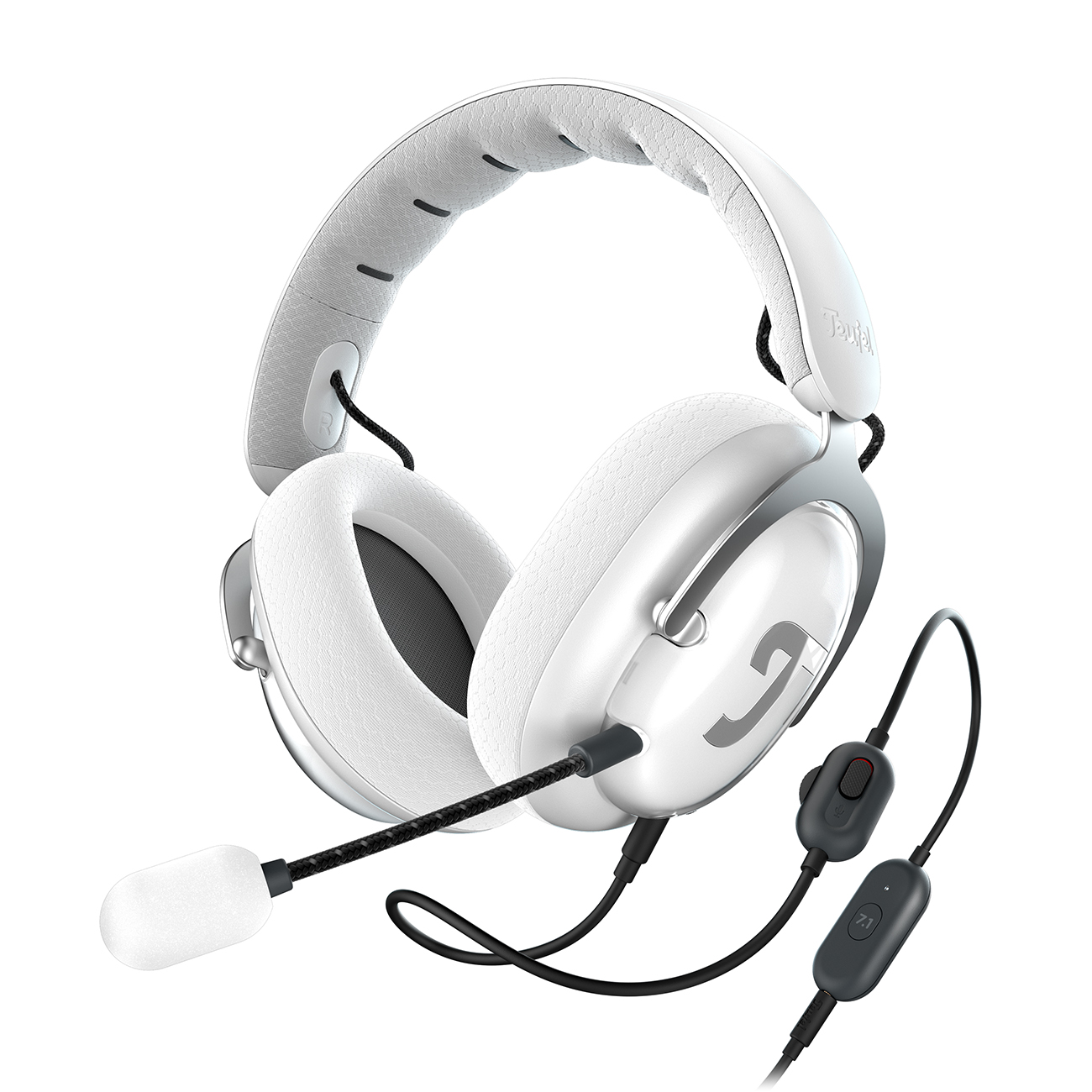
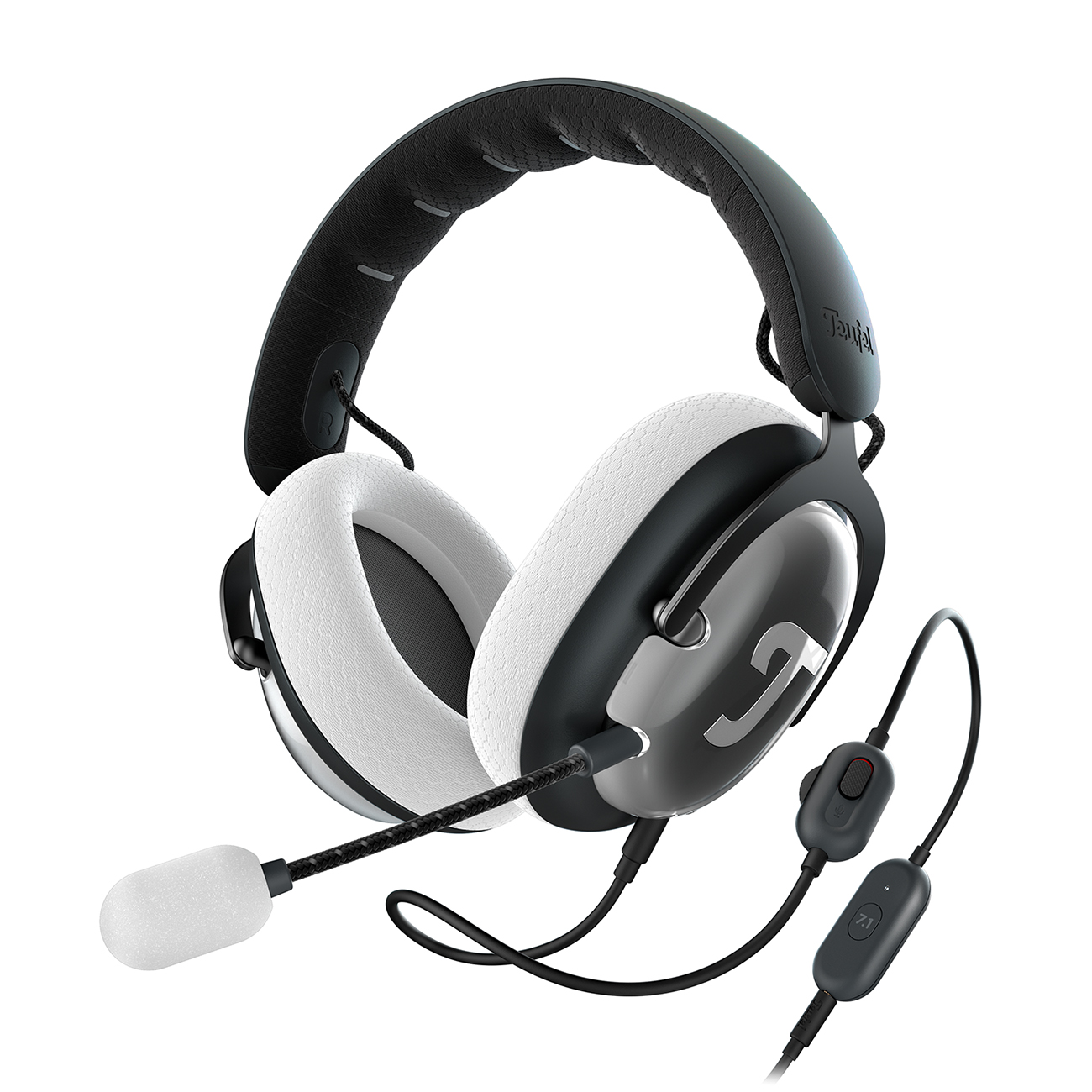
More Teufel headphones
Conclusion: Bluetooth headphones on TV are almost always possible
- Even if your TV features a Bluetooth logo, that doesn’t automatically mean it can send audio to your headphones via Bluetooth.
- But with a Bluetooth transmitter, you can upgrade your TV and wirelessly forward the audio.
- Bluetooth transmitters can usually be connected to your TV via the headphone jack and are small and unobtrusive.




Leave a Reply