
When mixing music, an equalizer is one of the most important tools at your disposal. It lets you adjust the balance of frequencies in an audio signal, helping you remove unwanted sounds, shape individual instruments and create a more balanced mix.
But what exactly is an equalizer, and what are all those curves, numbers and controls actually doing? Let’s take a closer look at how EQ works, where it came from and how it can shape your sound.
What is an Equalizer?
Every sound is made up of different frequencies. A deep bass drum contains a lot of energy in the lower part of the frequency spectrum, while a cymbal produces much more high-frequency sound. Voices, guitars, pianos and every other instrument have their own profile and characteristic balance of frequencies.
An equalizer, or EQ, allows you to change that balance. You can turn certain frequencies up, known as boosting, or turn them down, known as cutting. In other words, you’re deciding which parts of a sound should be more prominent and which should be less noticeable.
For example, you might cut some low frequencies to remove rumble from a vocal recording, or boost higher frequencies to give a guitar more brightness. You can also make much more precise adjustments, such as reducing a narrow frequency range that causes an unpleasant resonance or even removing certain frequencies almost entirely. That’s why EQ is one of the fundamental tools in recording, mixing and mastering. It can correct problems, improve clarity and separation, or simply change the character of a sound.
And while EQ is particularly important in music production, you don’t have to be a producer to encounter it. Equalization is also used in speakers, headphones, AV equipment and playback software to shape the tonal balance of what you hear.
Physical vs. Digital Equalizer
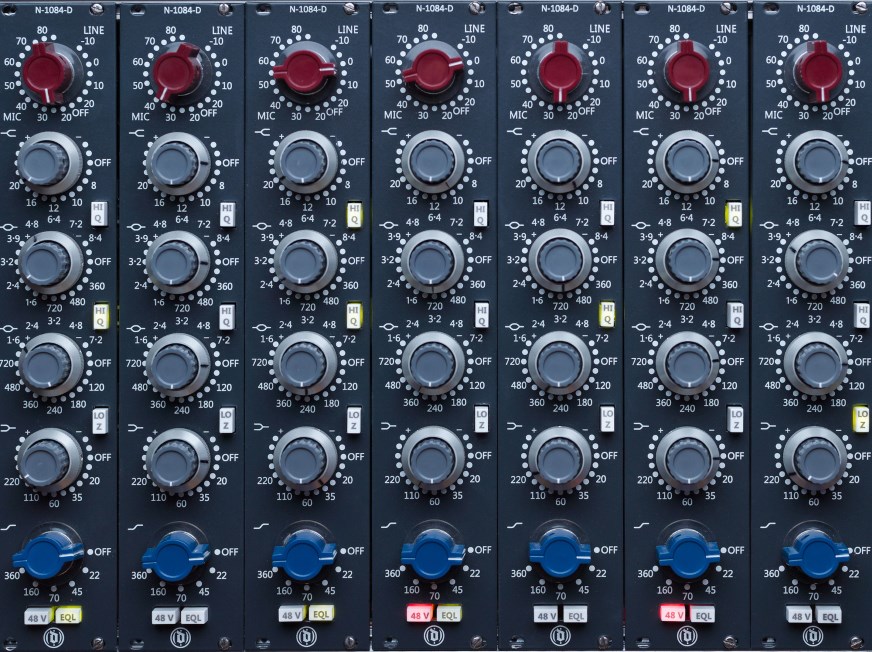
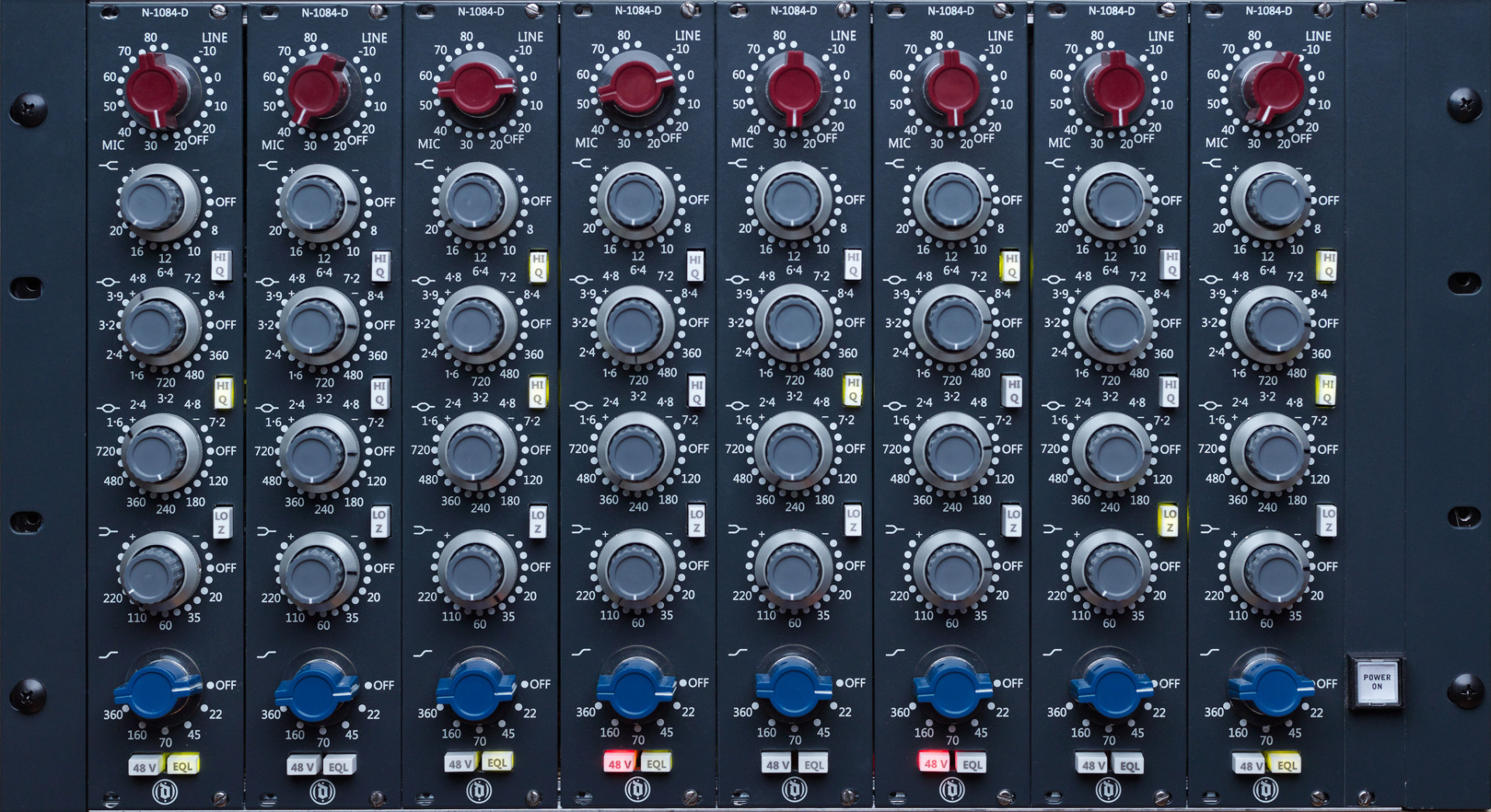
Equalizers come in different forms, but the basic principle is always the same. Traditional hardware EQs use physical knobs, buttons or sliders to adjust different parts of the frequency spectrum. You’ll find them as standalone pieces of studio equipment, as part of mixing consoles, or built into other audio hardware.
The controls on a hardware EQ vary depending on the type of equalizer. Some let you adjust fixed frequency bands, while others allow you to select the frequency, amount of boost or cut, and sometimes the bandwidth. Boosting a frequency range makes those frequencies more prominent in the sound, while cutting it reduces their prominence. In other words, an EQ lets you adjust specific parts of the frequency spectrum rather than the volume of the entire signal.
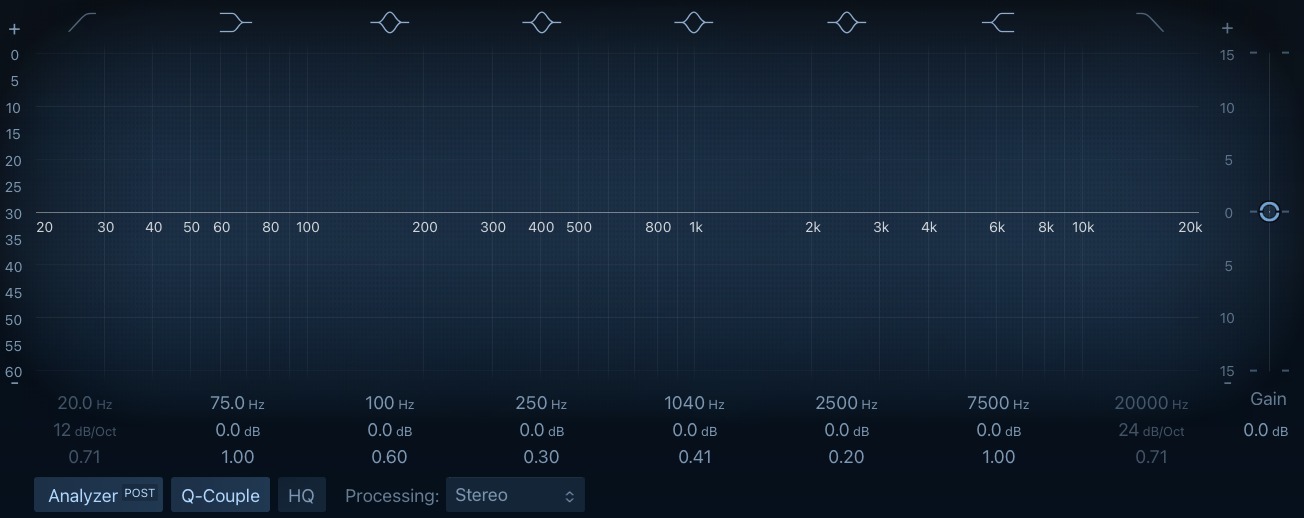
Digital EQs work in the same basic way, but many offer a visual representation of your adjustments. In a DAW or EQ plug-in with a graphical interface, you can shape the EQ curve directly on a graph. On a typical EQ response graph, the horizontal (X) axis represents frequency, with lower frequencies on the left and higher frequencies on the right. The vertical (Y) axis represents gain, with 0 dB marking the neutral position. Boosting the curve above 0 dB increases those frequencies, while cutting it below 0 dB reduces them. Some digital EQs also include a real-time spectrum analyser, which lets you see the frequency content of the audio signal as you work.
Digital EQs can offer highly precise control over frequency, gain and bandwidth, making it easy to fine-tune your adjustments. On some EQs, bandwidth is controlled using a parameter called Q, which determines how narrow or broad the adjustment is. The two approaches may look very different, but they’re doing essentially the same thing: changing the balance of frequencies in an audio signal.
From Telephone Lines to Modern Music Production
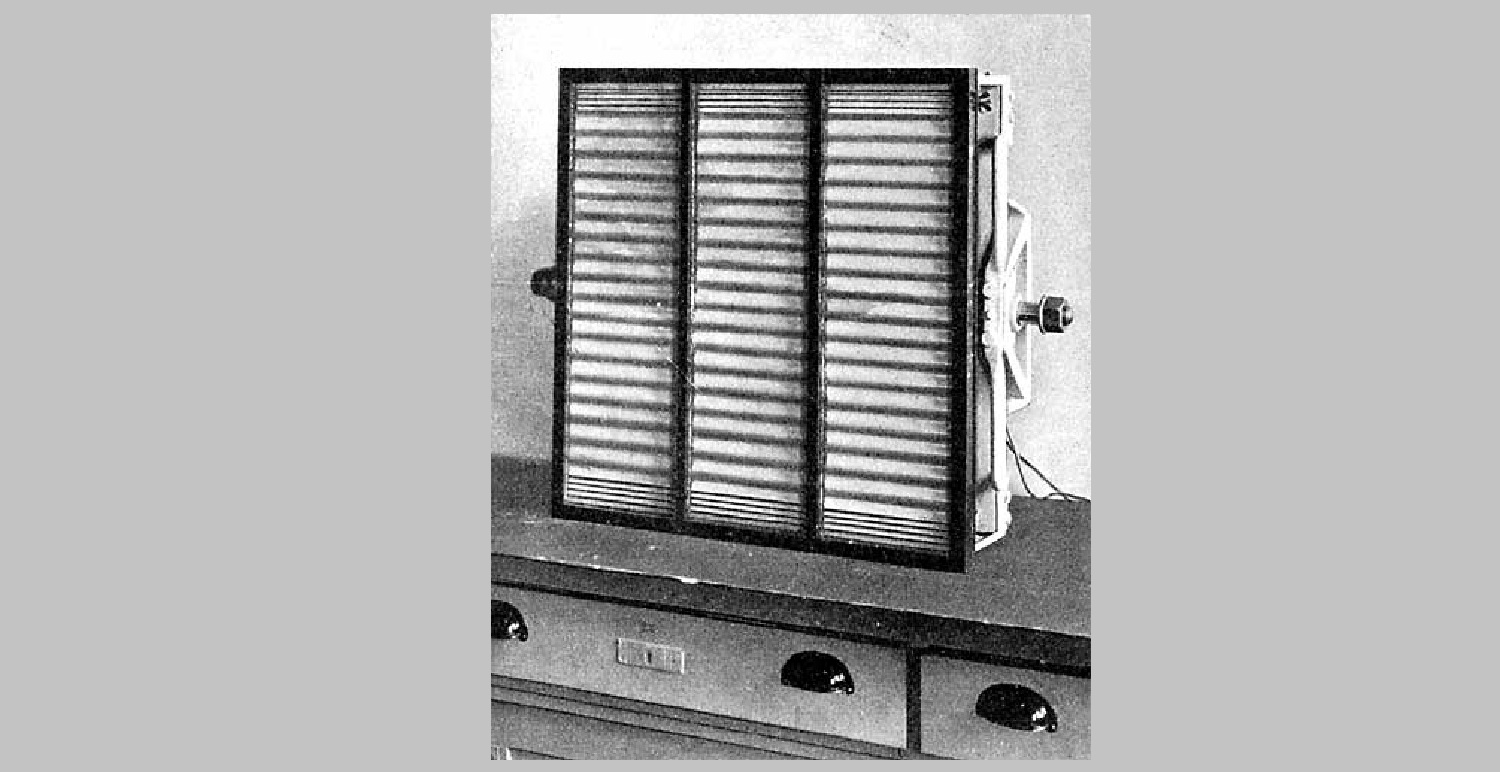
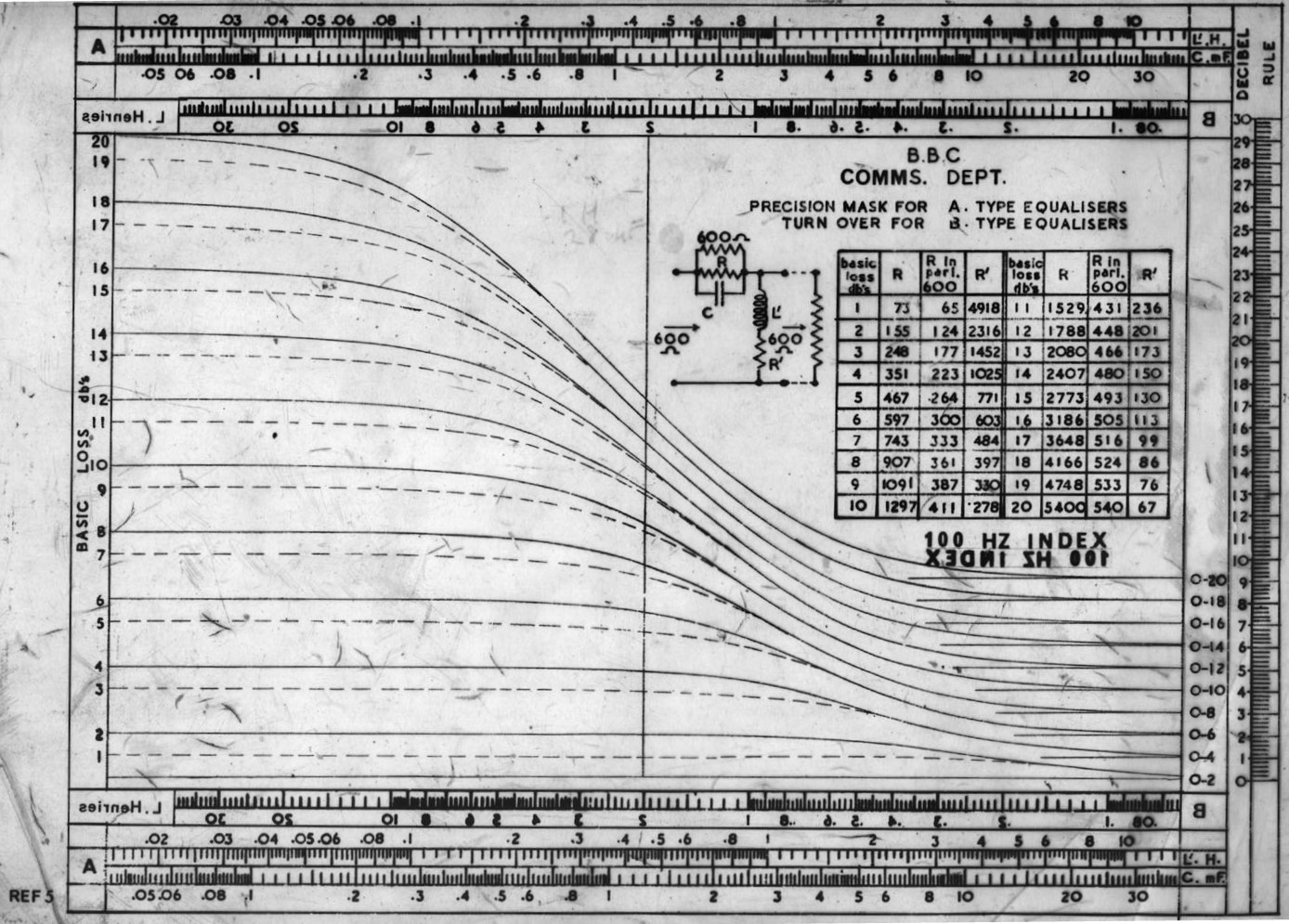
EQ originally had little to do with music. Early equalizers were developed for telecommunications and cinema, where they were used to compensate for frequency losses in transmission and playback systems, helping to restore a more balanced frequency response. As audio technology evolved, equalizers became increasingly useful for shaping and correcting sound in recording and broadcasting.
A major development came in the early 1970s with the emergence of parametric EQ, giving engineers much more precise control over frequency, gain and Q. George Massenburg’s influential 1972 AES paper helped establish the concept in professional audio. Today, EQ has moved far beyond dedicated hardware: you’ll find it in DAWs, plug-ins, mixing consoles and countless playback devices, with digital EQ offering precise control at the click of a mouse.
How Does an Equalizer Actually Work?
An EQ may look complicated at first, but its basic controls are surprisingly straightforward. To understand what you’re doing when you move an EQ point, there are three concepts you need to know: frequency, gain and bandwidth.
Frequency: Where in the sound?
Frequency describes how many times a sound wave vibrates per second. It is measured in hertz (Hz). One hertz means one cycle per second, while 1,000 hertz is one kilohertz (kHz). Human hearing is generally described as covering roughly 20 Hz to 20 kHz, although the exact range varies from person to person and changes with age.
For EQ purposes, it helps to divide this spectrum into some broad areas:
| Frequency Range | Rough Description |
| 20–60 Hz | Sub-bass |
| 60–250 Hz | Bass / warmth |
| 250–500 Hz | Low mids / body |
| 500 Hz–2 kHz | Mids / character |
| 2–6 kHz | Presence / clarity / attack |
| 6–10 kHz | Brightness / detail |
| 10–20 kHz | Air / sparkle |
These ranges aren’t strict boundaries. Different instruments occupy overlapping areas of the spectrum, and the character of a frequency depends on the sound you’re working with. The important thing to remember is that frequency tells you where you are working in the spectrum.
Gain: How much?
Once you’ve chosen a frequency, you can decide how much louder or quieter you want that part of the sound to be. This is what gain controls. Positive gain increases the level of the selected frequency range relative to the rest of the signal, while negative gain reduces it. The amount of boost or cut is measured in decibels (dB). For example:
- +3 dB → boost
- -3 dB → cut
- 0 dB → no change
You don’t necessarily need dramatic changes to hear a difference. A small adjustment of a few decibels can noticeably alter the character of an instrument, particularly when you’re working in a busy mix.
Bandwidth: How wide?
Bandwidth determines how broad or narrow an EQ adjustment is around the selected frequency. A wide bandwidth affects a broader range of frequencies, creating a more gradual change, while a narrow bandwidth focuses the adjustment on a smaller range.
For example, a broad boost around 1 kHz can subtly change the overall character of a vocal, while a narrow cut can target a specific resonance without significantly affecting nearby frequencies. This means two EQ adjustments at the same frequency and with the same gain can sound very different depending on their bandwidth. Parametric EQs typically let you adjust the bandwidth alongside frequency and gain, giving you precise control over how much of the surrounding frequency range is affected.
Not sure how frequency, gain and bandwidth work together? This short video explains the basics and shows how each setting affects an EQ adjustment.
What Can You Use an EQ For?
Knowing what the controls do is one thing. Knowing why you’d use them is another. EQ can be used to solve problems, shape the character of a sound, help instruments work together and even create entirely new sounds.
Remove Unwanted Frequencies
One of the most common uses of EQ is cleaning up frequencies that aren’t helping the sound. You might remove low-frequency rumble from a vocal, reduce muddiness or tame an unpleasant resonance. This is often called subtractive EQ: instead of adding something, you remove what isn’t needed.
Shape the Character of a Sound
EQ can also change the character of an instrument or voice. A boost in the lower frequencies can add warmth and body, while higher frequencies can add brightness or presence. EQ isn’t just about fixing problems — it’s also a creative tool for shaping the sound you want.
Make Instruments Work Together
In a mix, different instruments can compete for the same frequencies, making one harder to hear. This is known as frequency masking. For example, a kick drum and bass may occupy similar parts of the low end. Using EQ to create space between them can make the entire mix sound clearer without simply turning one instrument up.
Create a Particular Sound
EQ can also be used for creative effects. By heavily reducing the low and high frequencies, for example, you can create a classic telephone or radio effect. Similar techniques can produce lo-fi textures, thin vocals or other deliberately colored sounds. In these cases, EQ becomes part of the sound design rather than just a corrective tool.
Further reading: Room size vs. speaker size: How to find the right combinationOpens in new tab.
Stereo Sets From Teufel

ULTIMA 20 KOMBO 3 SE
579,99 €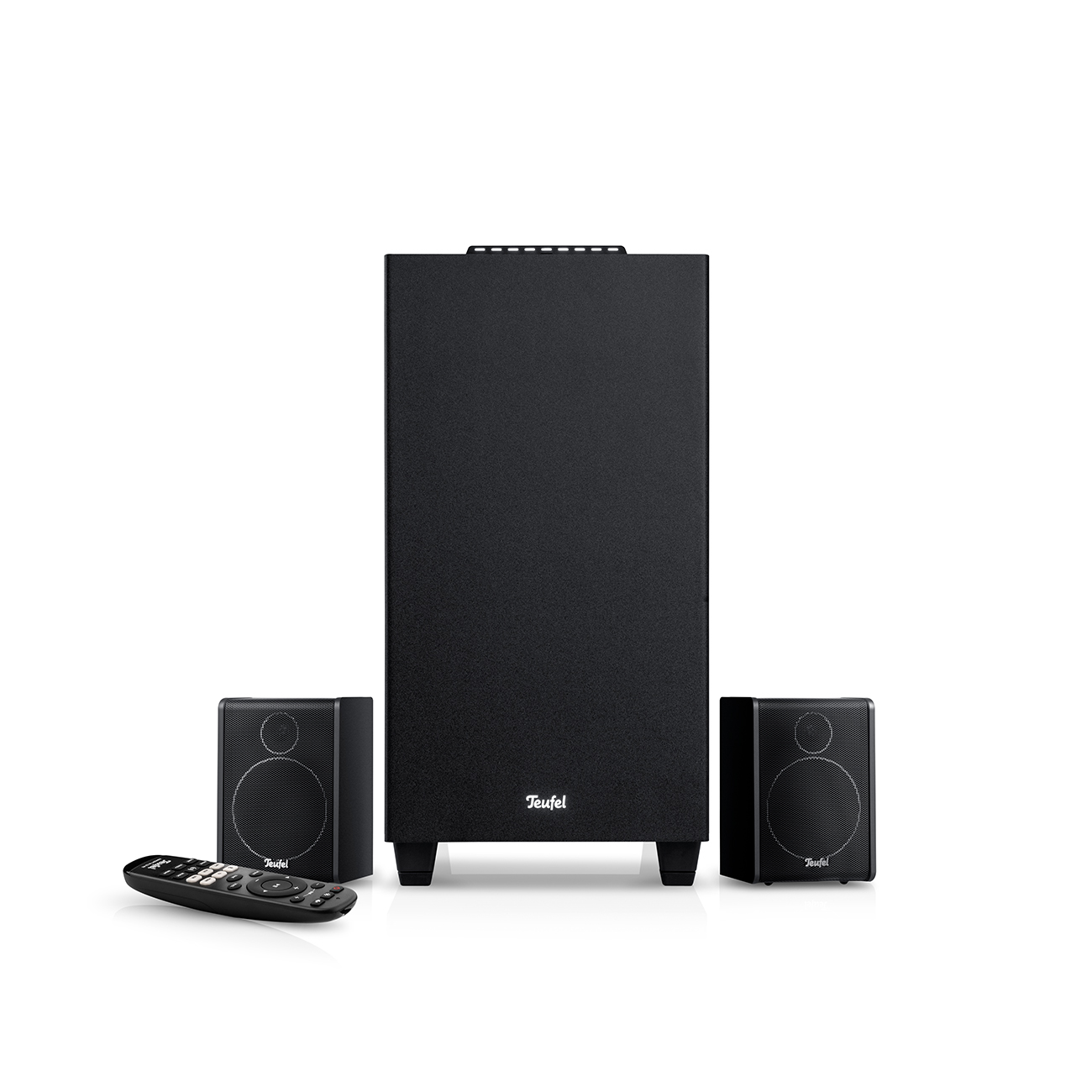
CONSONO 25 CONCEPT 2.1 set
299,99 €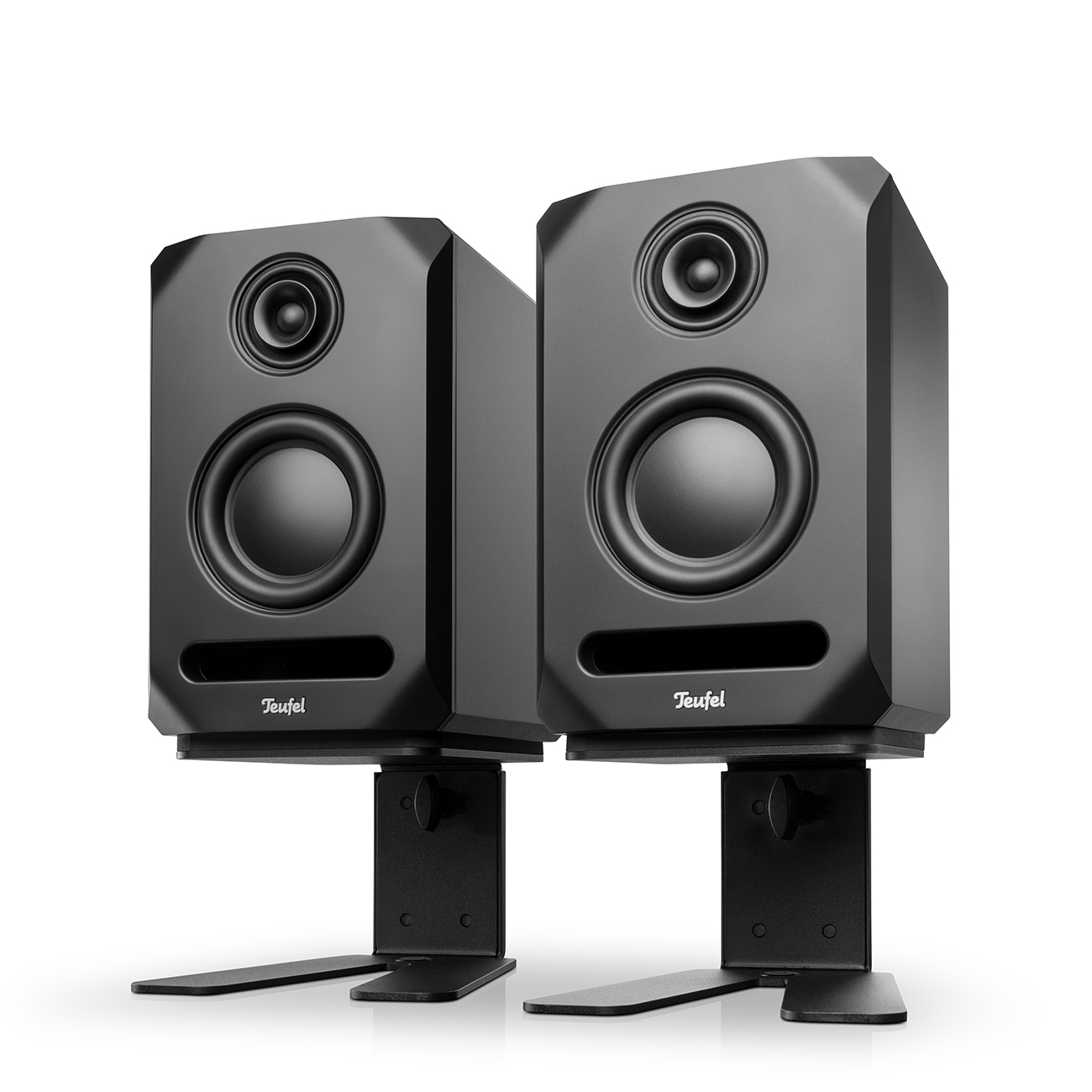
STUDIO 5X BT + table monitor stand K&M for STUDIO 5X
659,99 €EQ in Different Stages of Music Production
EQ can play a role at almost every stage of producing music, although the way it’s used changes depending on the task.
Recording
During recording, EQ can help deal with problems caused by the recording environment, microphone or source. In some cases, the best solution is actually to fix the problem before recording — by changing the microphone position, room setup or instrument, for example. But EQ can still be useful for cleaning up a recorded signal or preparing it for the next stage.
Mixing
This is where EQ really comes into its own. During mixing, you’re working with multiple tracks and trying to make them function together as one piece of music. EQ can help remove unwanted frequencies, shape individual instruments and create space between sounds.
A good mix isn’t necessarily about making every instrument sound as impressive as possible on its own. It’s about making all the elements work together.
Mastering
Mastering deals with the finished mix rather than individual instruments. Here, EQ is often used more subtly to make broad adjustments to the overall tonal balance. A small change across a wide frequency range can have a noticeable effect on the final result.
Because you’re working with the complete mix, mastering EQ generally requires a different approach from the more targeted EQ adjustments used during mixing.
Playback
EQ doesn’t stop when the production is finished. You’ll also find equalizers in headphones, speakers, AV systems and playback software, as well as on your phone and in some music-streaming apps. These settings let you adjust the tonal balance to suit your preferences, showing that EQ isn’t just a tool for producers — it can also shape how you experience music as a listener.
Practical Tips for Using EQ
There’s no single EQ setting that works for every recording, instrument or mix. The right adjustment depends on the sound you’re working with and what you’re trying to achieve. Still, a few basic principles are useful when you’re starting out.
Before reaching for a filter, identify what you actually want to change. If you don’t know what the problem is, turning knobs at random probably won’t solve it.
If one frequency range is masking another, reducing the problem area can sometimes work better than boosting elsewhere. But there is no rule against boosting when it gives you the result you want.
You don’t need huge EQ moves to make a difference. Try a few decibels first and listen to what happens.
An instrument that sounds great on its own might not work in the mix. Always check how your changes affect the complete track.
The EQ curve can tell you what you’re doing, but it can’t tell you whether the result actually sounds good.
Switch the EQ off and on to compare your changes. Try to match the perceived loudness, as louder can easily sound better without actually being an improvement.
Studio Monitors from Teufel
 Opens in new tab
▶ STUDIO 5XOpens in new tab: Our first studio monitor, developed in Berlin for precise, neutral sound. Its 3-way coaxial design combines a tweeter and midrange driver in one unit, delivering detailed reproduction across the frequency range. A 5.25-inch woofer provides deep, precise bass down to 37 Hz, while controlled dispersion and a wide sweet spot help you hear your mix clearly.
▶ STUDIO 5X BTOpens in new tab: The Bluetooth version of our first studio monitor. In addition to balanced XLR/jack combo and RCA inputs, it offers BluetoothOpens in new tab with AAC and aptX HD, plus an AUX input for added flexibility. Ideal for both studio monitoring and wireless music playback.
Further reading: STUDIO 5X and the quest for acoustic neutralityOpens in new tab.
Conclusion
EQ is one of the most powerful tools in music production, but its basic principle is simple: it lets you shape the balance of frequencies in a sound. Whether you’re cleaning up a recording, creating space in a mix or giving a sound a completely different character, EQ gives you control over what you hear.
The more you experiment with frequency, gain and bandwidth, the easier it becomes to hear what each adjustment is doing. And remember: there’s no perfect EQ setting — listen, make small adjustments and trust your ears.
- Images: Wikicommon