

Amplifiers and speakers have to work well together – that much is clear. A key factor here is the impedance of both components. If the resistances don’t match, the worst-case scenario can be damage. But clipping can also put serious strain on your system.
How power amps react to overload
Clipping occurs when an amplifier has to deliver more power than it actually can. Or put another way: the amplifier is being overdriven. Once the maximum supply voltage of the amplifier is reached, it can no longer reproduce the input signal faithfully. This means the signal does reach the speakers at an amplified level, but it is distorted in the process.
Technically speaking, the sine-wave output signal turns into a square wave. The highest and lowest peaks of the curve are cut off. This is also where the English term “clipping” comes from – it literally means “to cut off”.
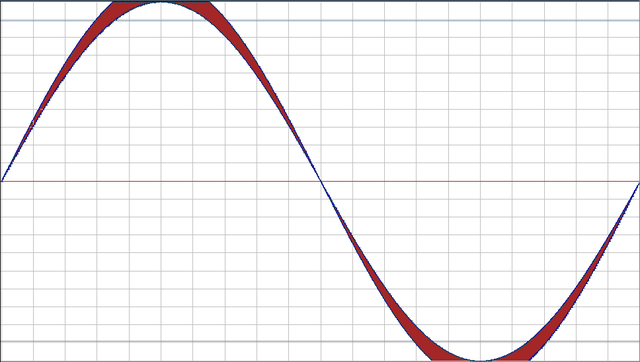
When the audio signal is distorted, it’s not just the sound quality that suffers. The system itself can also be damaged by clipping. It’s easy to see that the electronics of the power amp don’t always survive an overload unscathed. But clipping can also cause damage to the speakers being driven – and this is actually the more likely scenario.
A perfect match: Teufel home cinema systems
How clipping can become dangerous for speakers
A setup with powerful speakers and a weak amplifier with low wattage is particularly prone to clipping. If the speakers receive too little power from the amplifier, they effectively “demand” more than the amp can actually deliver: clipping occurs. This can cause the speakers to overheat and become damaged. Tweeters are especially at risk.
The reason lies in the type of signal distortion that occurs. Clipping causes the amplifier to output a disproportionately high number of high-frequency tones, which are then routed by the crossover to the tweeter. In the worst case, the speaker’s voice coil can burn out due to overload.
The reassuring part is that clipping usually only occurs at high volume levels. You really have to turn the system up loud before it starts to clip. This also applies if you’re running relatively powerful speakers on an amplifier with low wattage. If the speaker only clips slightly, the electronics are only at minimal risk. In addition, the impact on sound quality is often barely noticeable. Still, it’s recommended to use an amplifier that has sufficient power reserves compared to the speakers. That way, the speakers are supplied with a clean, undistorted sine signal even at high volumes.
How to avoid clipping
You can prevent clipping by making sure the individual components of your system are well matched – in other words, by combining compatible components. The easiest solution is a complete systemOpens in new tab, like the ones you’ll find in the Teufel online shop. Everything is perfectly coordinated, so nothing stands in the way of an uninterrupted listening experience.
If, for example, you want to buy new speakers to go with an existing amplifier, you need to compare the power ratings of both. What matters here is the watt rating or the RMS value (Root Mean Square). Sound issues or even the damage described above can occur if you connect a much too powerful amplifier with high output to a weak speaker with a low watt rating – or vice versa. You’ll find the relevant information on the housing or in the user manual.
Tip: Below you’ll find an overview showing which stereo amplifiers match which Teufel speakersOpens in new tab.
Clipping when podcasting and recording music
To make sure the audio signal doesn’t become overdriven or “clipped” during podcasting or music recording, you should pay attention to the right recording settings. In particular, the microphone volume settings and the distance between your mouth and the microphone play a crucial role.
Make sure the control on the microphone isn’t turned all the way up. Especially with dynamic microphones without an audio interface, this can cause unwanted noise. An audio interface gives you an additional boost in terms of gain and also makes post-production easier. As a rule of thumb: set your recording level so that, when speaking, you’re in the green to yellow range (between -20 and -16 dB).
Your positioning relative to the microphone is just as important. A good guideline is to leave about a hand’s width of space between you and the microphone.
Teufel receivers and speakers are made for each other
▶ THEATER 500 KOMBO 2Opens in new tab: The KOMBO 62 CD receiver drives the floorstanding speakers to peak sonic performance. The 3-way system of the THEATER 500 speakers delivers stereo sound that’s as clear and detailed as it gets. On top of that, thanks to DAB+Opens in new tab, Bluetooth and a USB interface, the receiver is open to all sound sources.
▶ Ultima 20 KomboOpens in new tab: Amplifier and stereo speakers form a perfectly matched unit in the Ultima 20 Kombo. With a maximum power handling of 80 watts, the compact 2-way speakers deliver a detailed and punchy sound from highs to lows.
Stereo speakers from Teufel
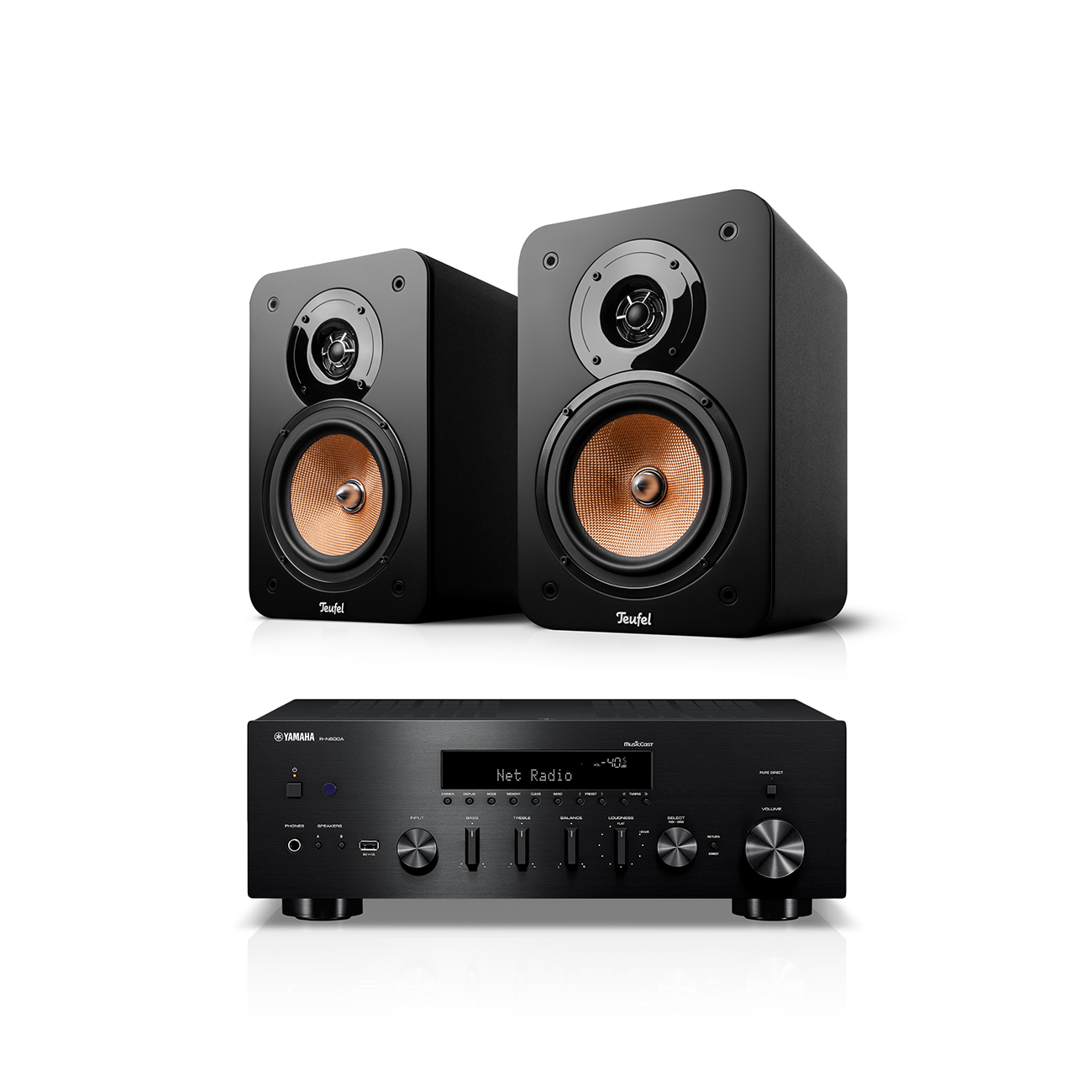
ULTIMA 20 + Yamaha R-N600A
779,99 €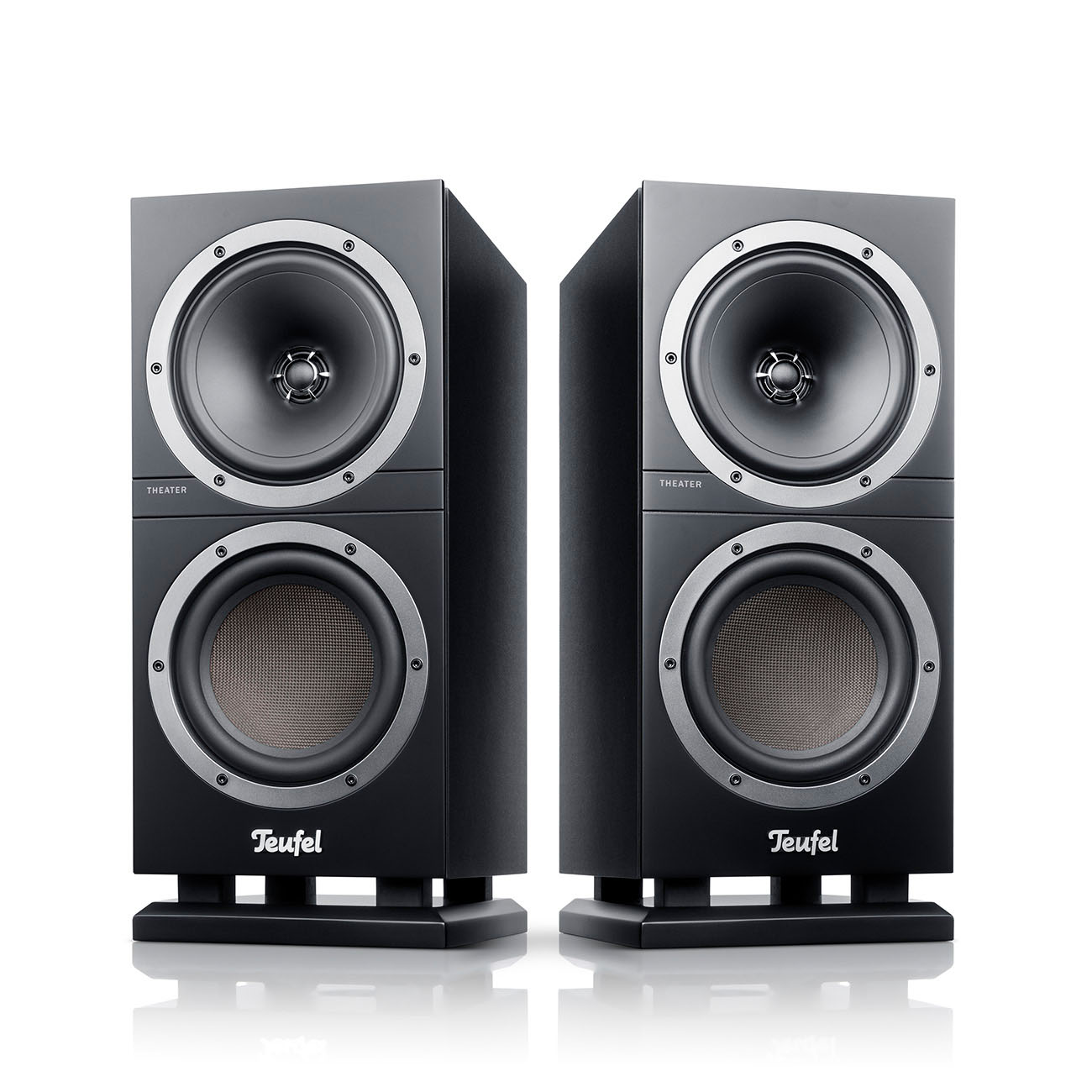
THEATER 500S
349,99 €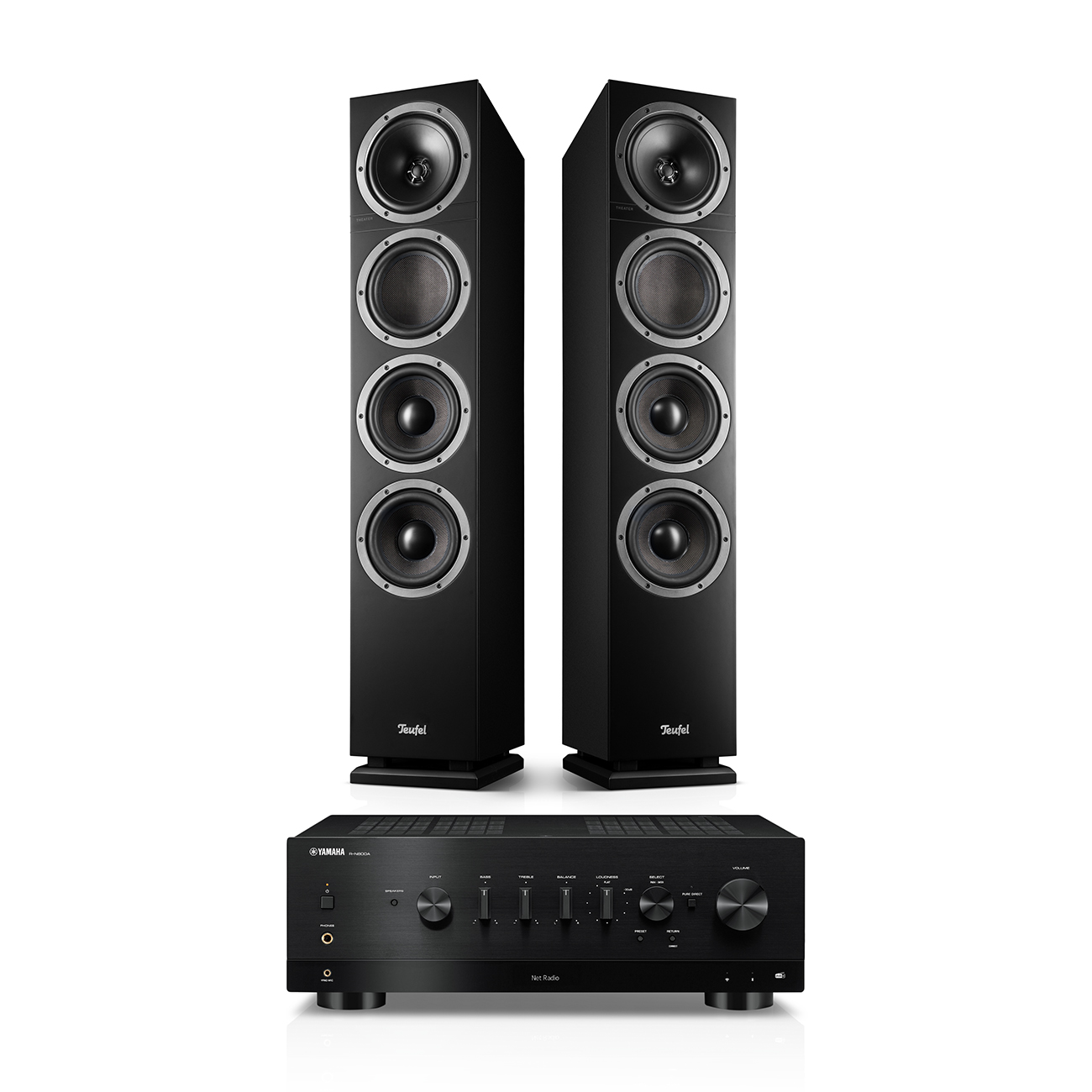
THEATER 500 + Yamaha R-N800A
1549,99 €Conclusion: Don’t overstrain the amplifier
- With clipping, the amplified signal is output in a distorted form compared to the input signal.
- During distortion, the highest and lowest peaks of the sine signal are cut off.
- Clipping can occur in amplifiers when the available power isn’t sufficient to drive the speakers (usually at high volume levels).
- The distorted signal can destroy tweeters or their voice coils in particular due to overload.
- This causes a disproportionate number of high-frequency tones to be sent from the amplifier to the tweeters.
Audioblog
The podcast has been automatically generated by AI, but the content comes directly from an article written by our own editorial team. This ensures the quality remains high and allows you to hear our story in a new format.
- Cover image: ©Jan Olav Elkenes, Tandberg Stereo some rights reserved.Opens in new tab Source: FlickrOpens in new tab
- Image 1: ©Binksternet, Clipped waveforms some rights reserved.Opens in new tab Source: WikimediaOpens in new tab


Leave a Reply